

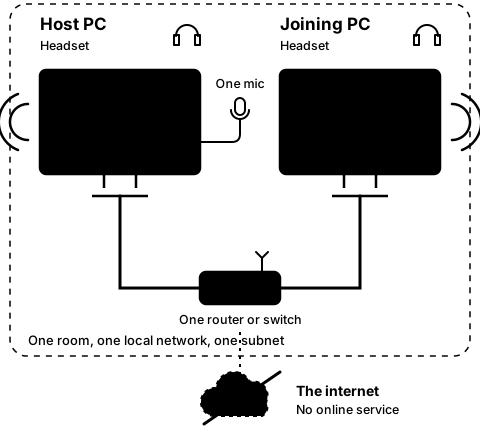
Step2B
On the joining PC
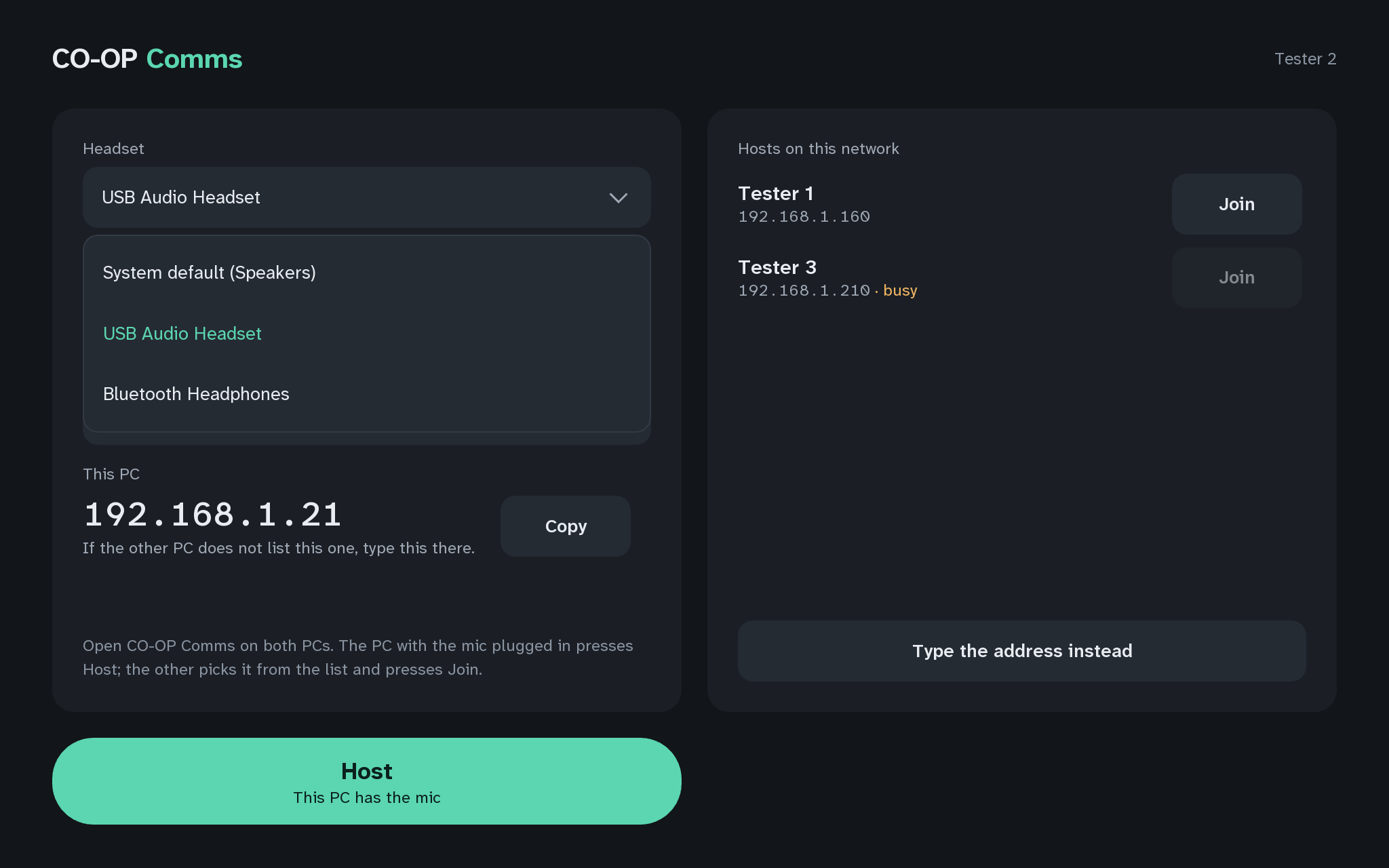
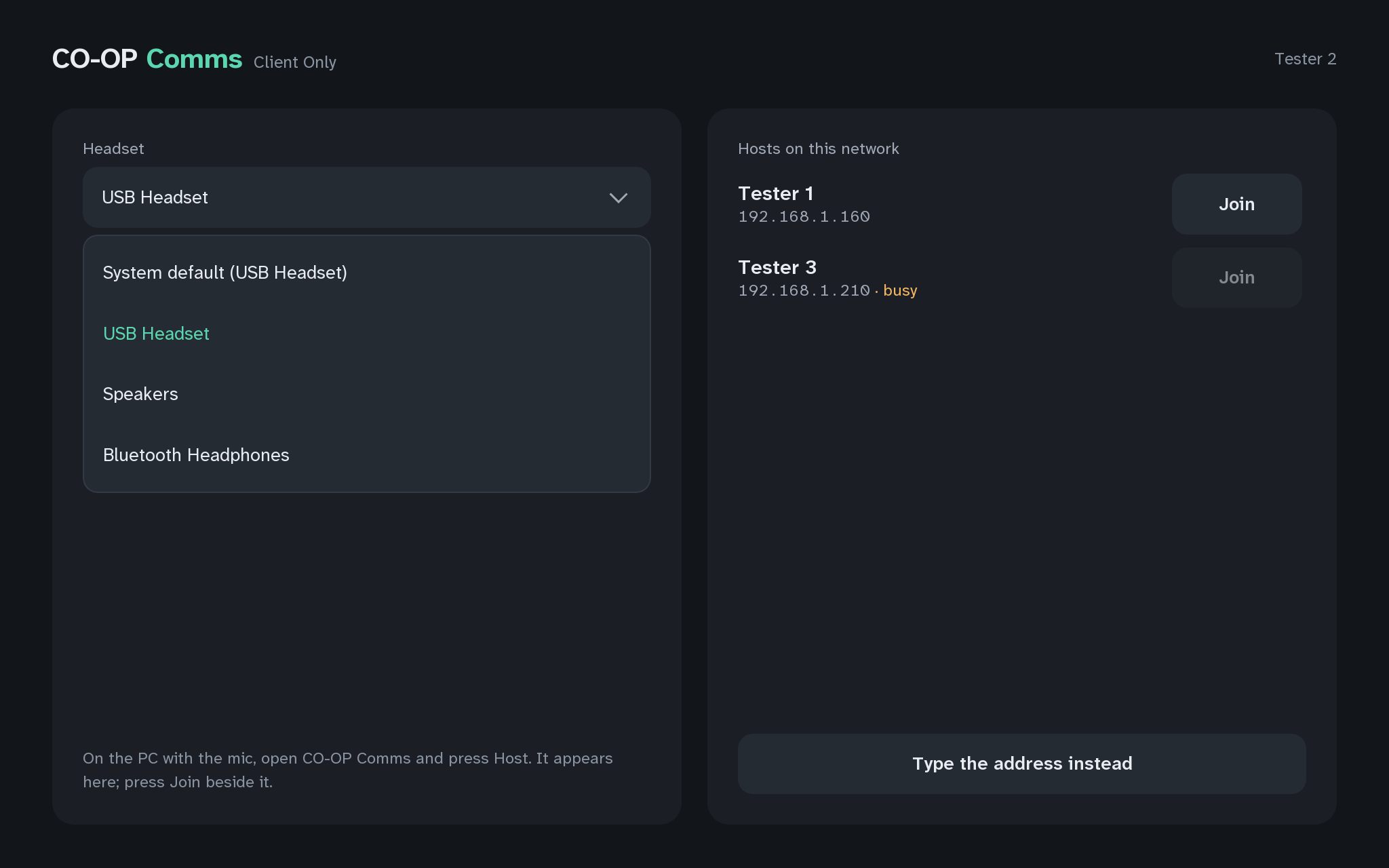
Pick the headset
Step 5 of 21. Each step is one action.
Pick the headset on this PC.
What you should see
- The headset you picked, named in the Headset picker.
It works best with a wired headset; a wireless one works but adds its own delay. The first entry, "System default (name)", is the device Windows uses by default.
Words shaded like this stand for what your own screen shows there, such as your own user name or address.
If anything here goes wrong, press Got stuck?, and when you write to us, please quote the label: Step 2B.