

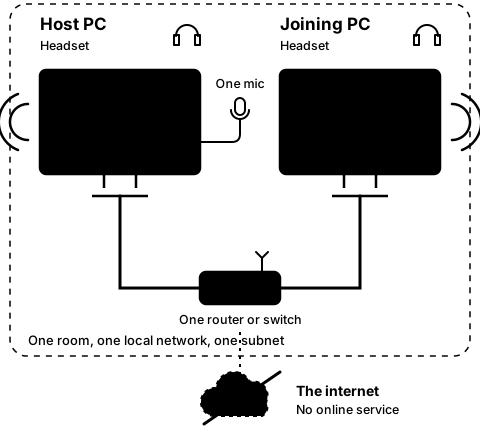
Step5C
On both PCs, after Leave
Look at the Network picker
Step 20 of 21. Each step is one action.
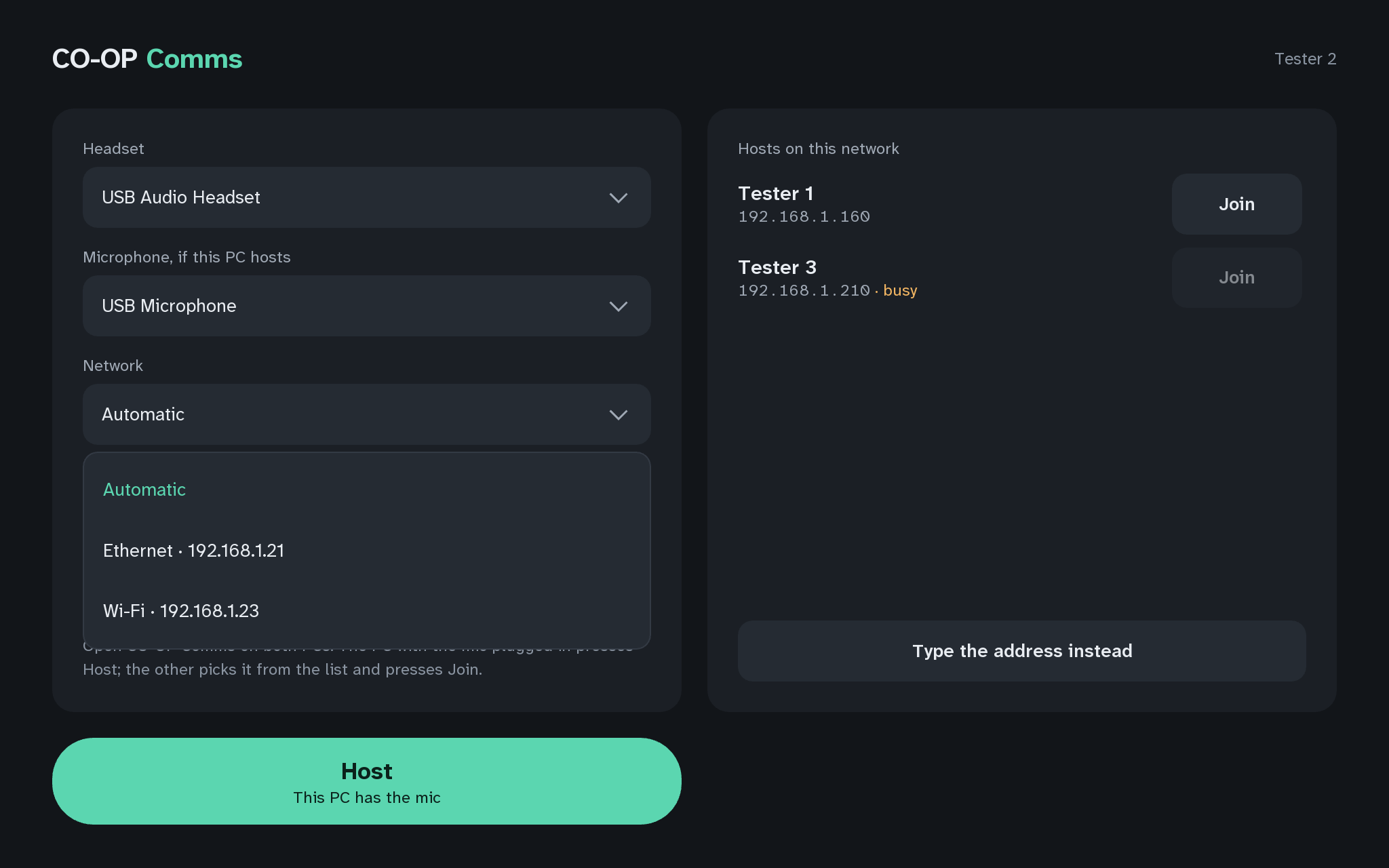
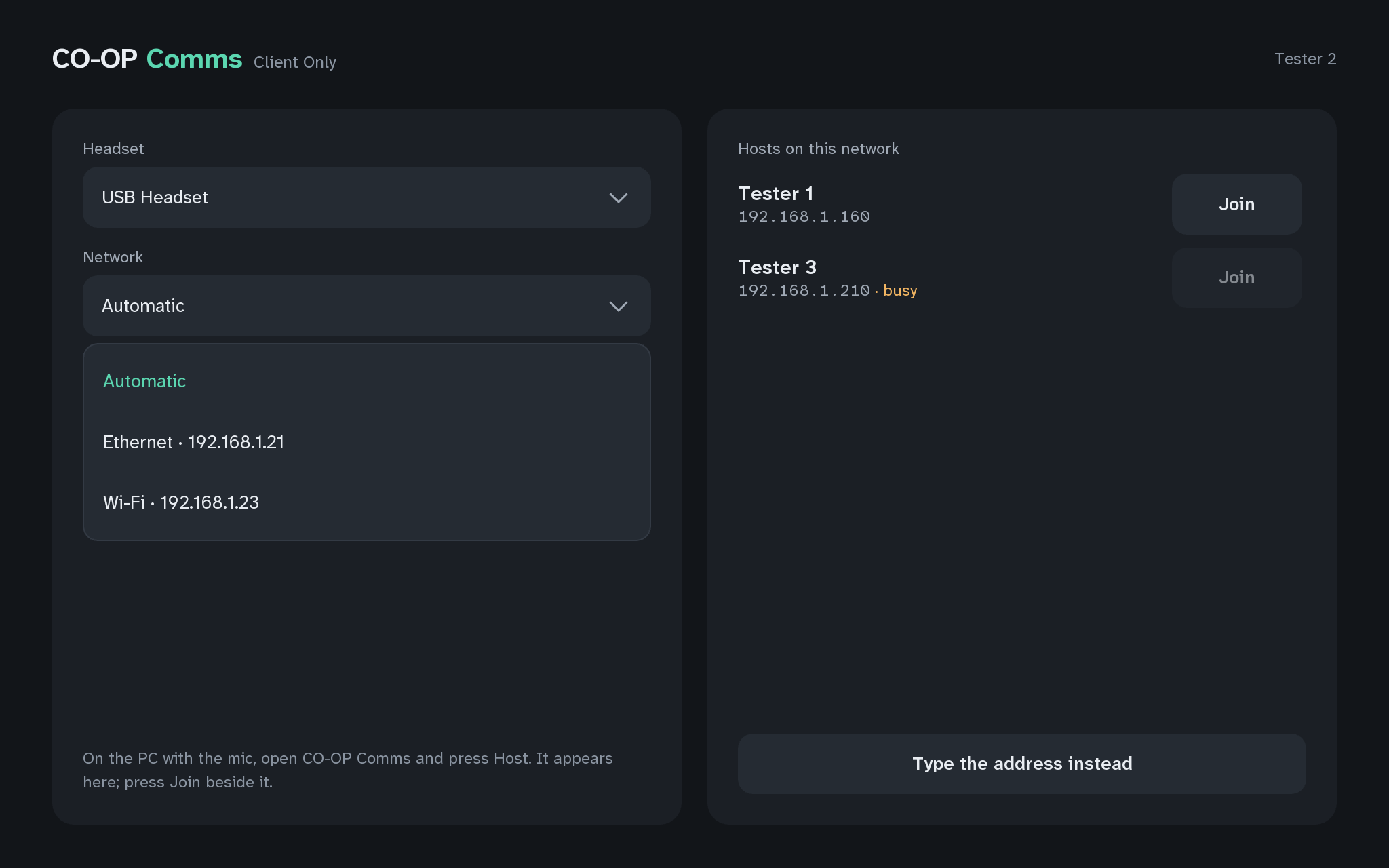
On the joining PC, open the Network picker, look at the list, and leave it on Automatic.
What you should see
- "Automatic", then each of this PC's connections with its address, such as "Ethernet · 192.168.1.21".
- Automatic lets Windows choose, and prefers a cable over Wi-Fi when both reach the host.
Picking one connection makes the list show only hosts on that connection's subnet, and links through it. This is also where this PC's own address shows on Client Only (Q6).
If anything here goes wrong, press Got stuck?, and when you write to us, please quote the label: Step 5C.