Iron Tower Code Reviews
Iron Tower Press Local network only
Reviewer manual, version 0.2.2
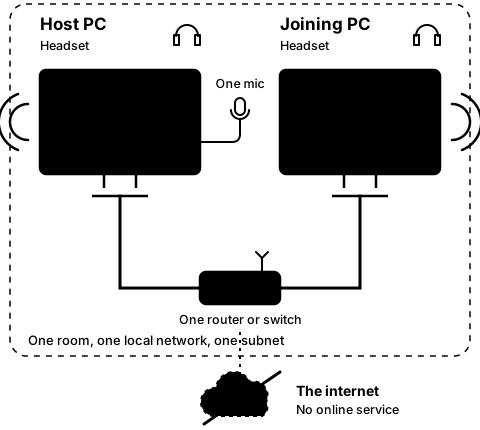
Two PCs in one room, each with a headset and a cable to the same router, on one subnet. One microphone sits between them, plugged into the host PC. The internet sits outside the room, struck through.
The joining PC calls the host and waits for its answer.
Step3C
On both PCs

Join again, then press Leave on the host

Step 10 of 21. Each step is one action.

Join again from the joining PC. Then press Leave on the host PC; Leave is how the host stops hosting.

What you should see

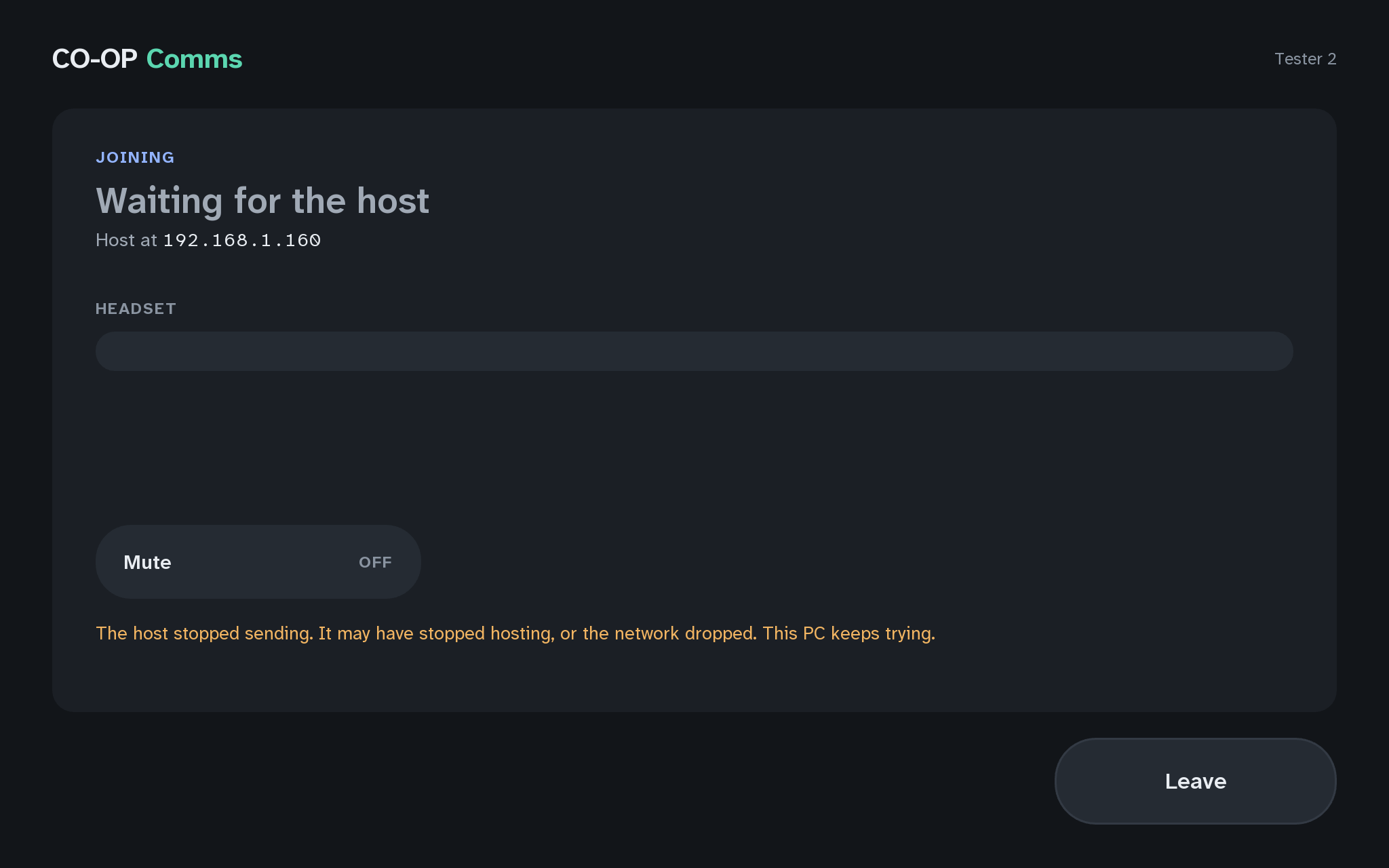
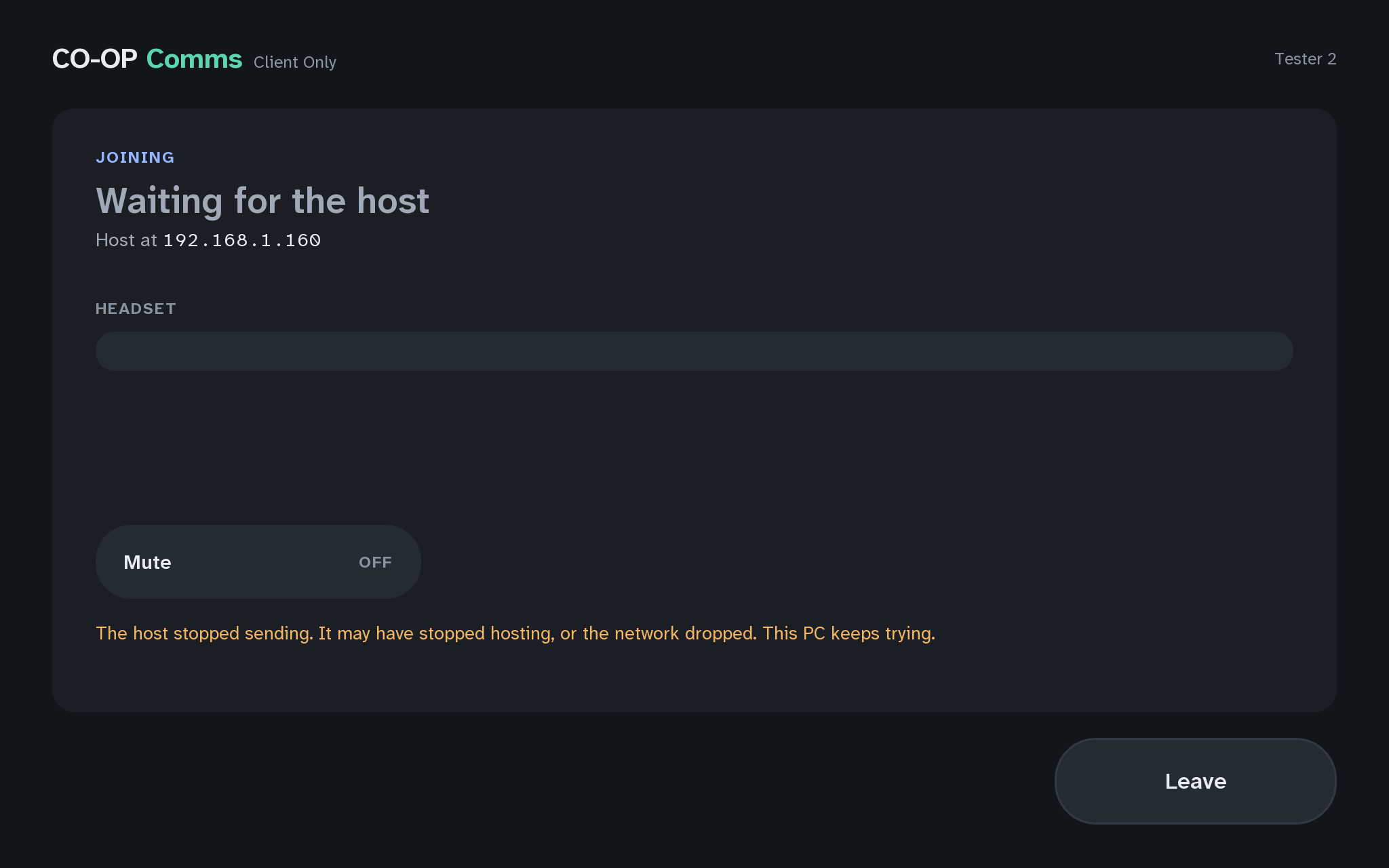
  • JOININGon the joining PC, within about 3 seconds
  • Waiting for the host
  • The host stopped sending. It may have stopped hosting, or the network dropped. This PC keeps trying.
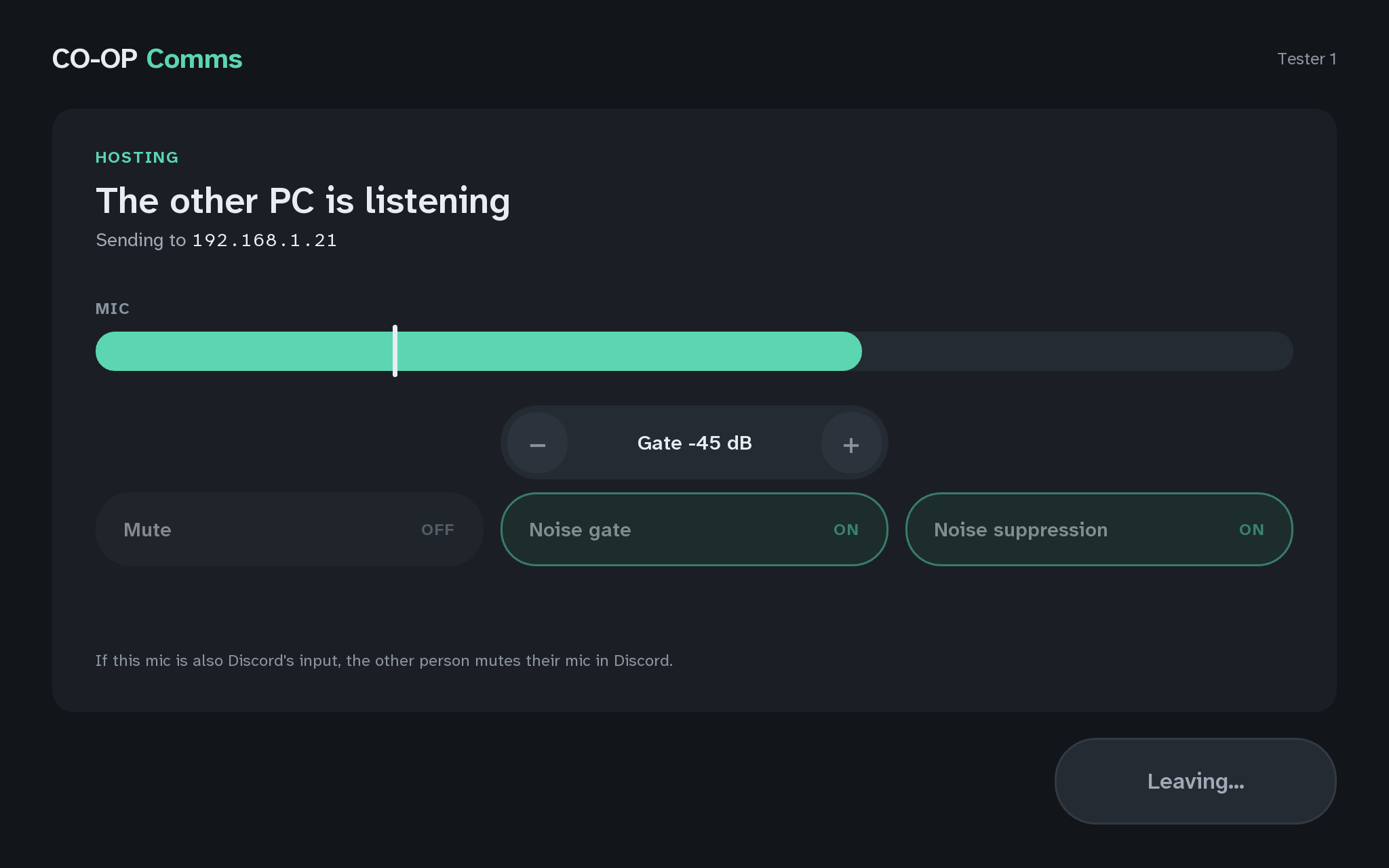
The host PC, leaving
3CThe host PC, leaving
The joining PC, the host stopped sending
3CThe joining PC, the host stopped sendingCO-OP Comms
Show it in CO-OP Comms Client Only

If anything here goes wrong, press Got stuck?, and when you write to us, please quote the label: Step 3C.

Click anywhere or press Escape to close