

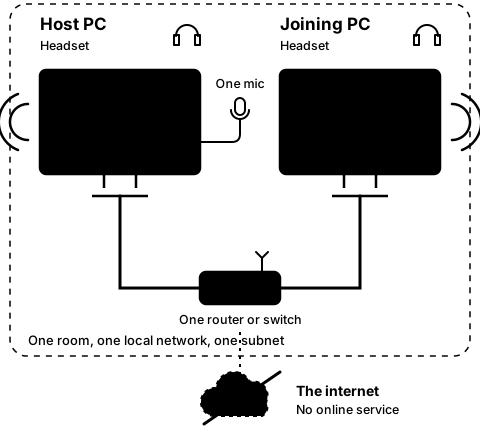
Step2A
On the joining PC
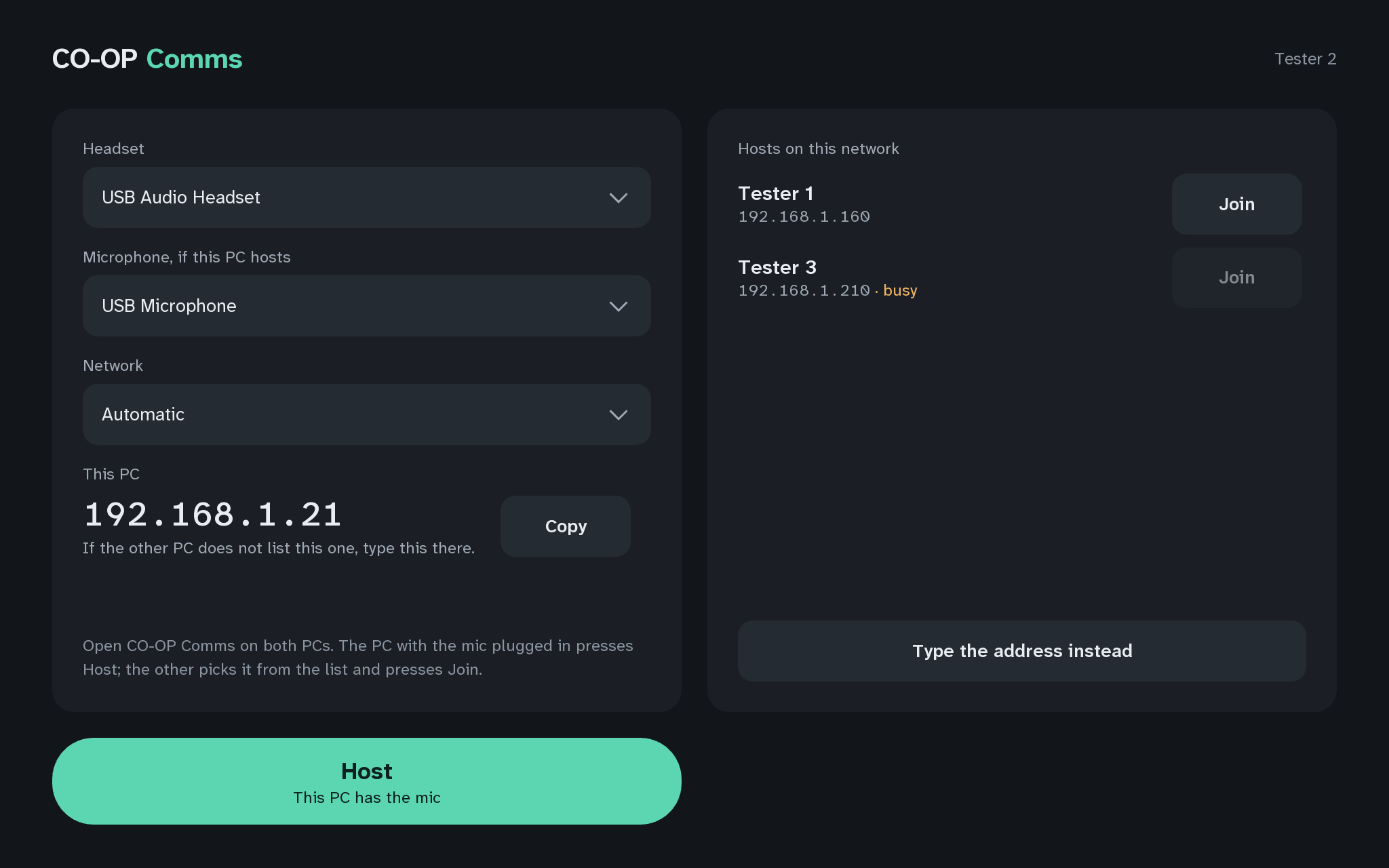
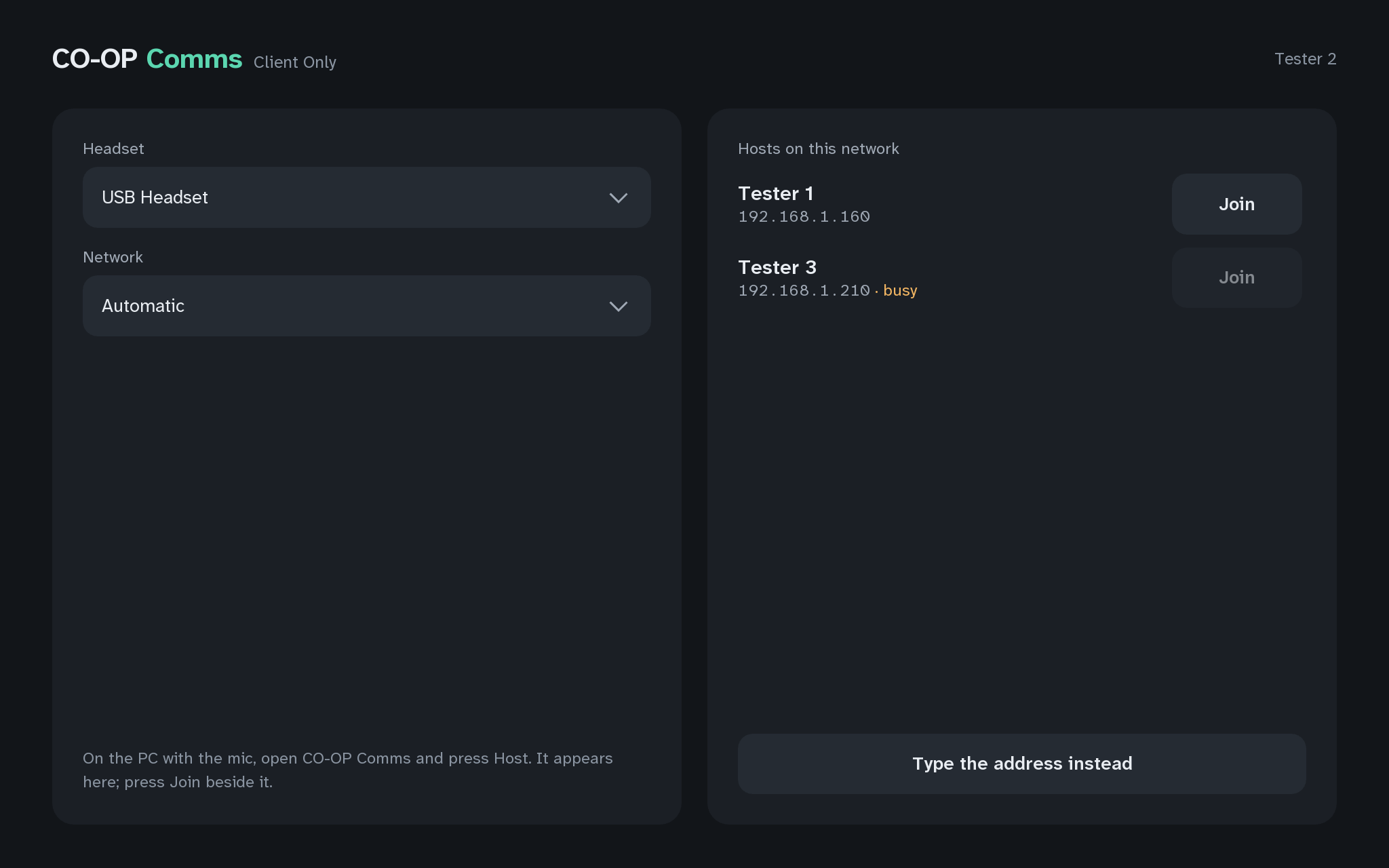
Open CO-OP Comms on the joining PC
Step 4 of 21. Each step is one action.
On the second PC, open CO-OP Comms, or the free CO-OP Comms Client Only, from the Steam library.
What you should see
- Within about a second, the host shows in "Hosts on this network": the host's Steam user name, with the host PC's address under it.
When Steam is not running on the host PC, the list shows its Windows computer name instead. The host shows here only when both PCs are on the same subnet (Q6). If Windows calls this network Public and the app is not allowed there, the list stays empty (Q7).
If anything here goes wrong, press Got stuck?, and when you write to us, please quote the label: Step 2A.