

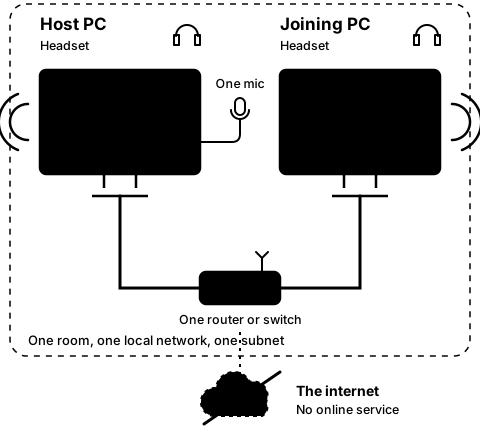
Step5B
On both PCs, after Leave
Paste an address on the joining PC
Step 19 of 21. Each step is one action.
On the joining PC, type the host PC's address in any text box (Notepad will do), select it and press Ctrl+C. In CO-OP Comms, press "Type the address instead", then Paste.
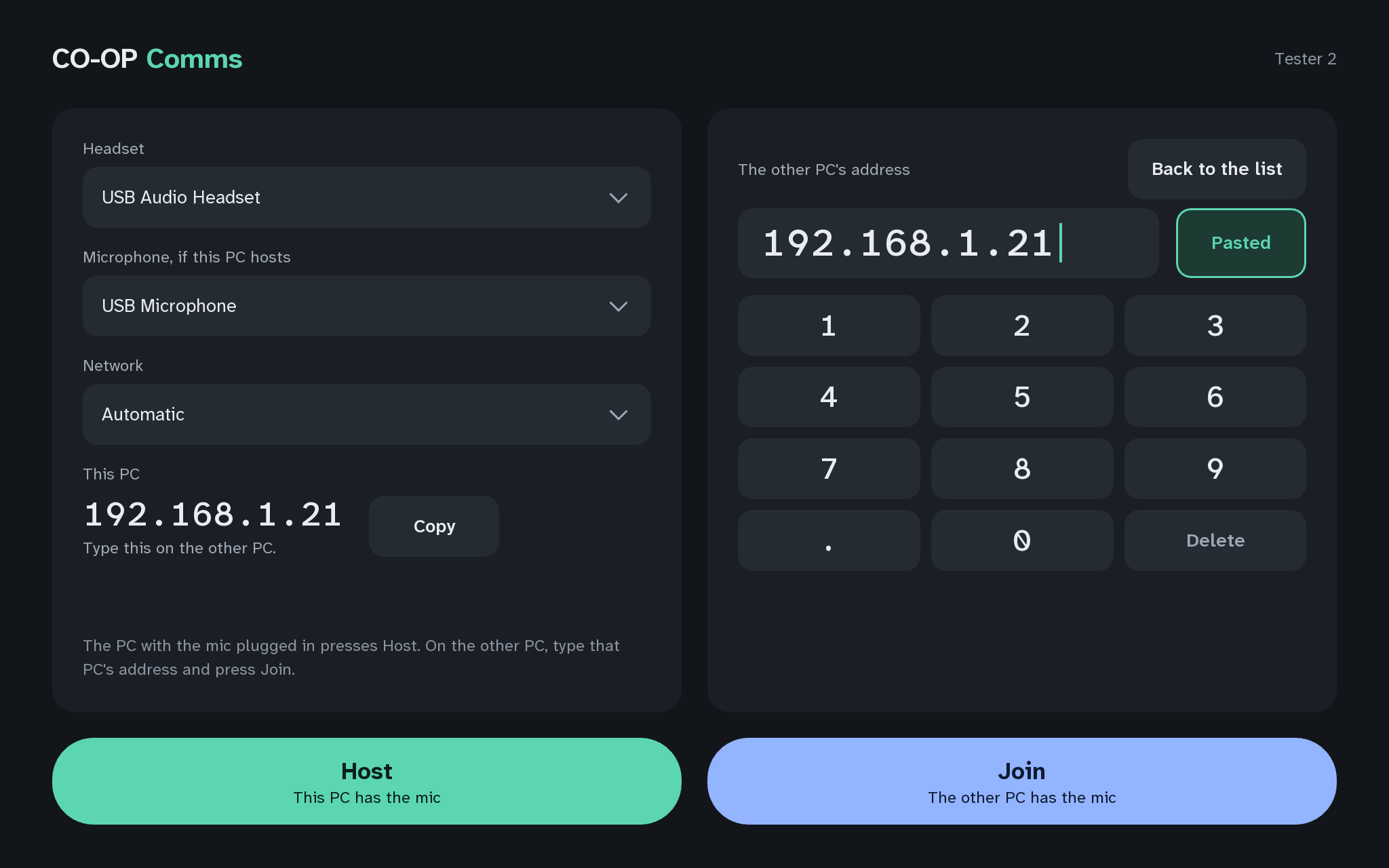
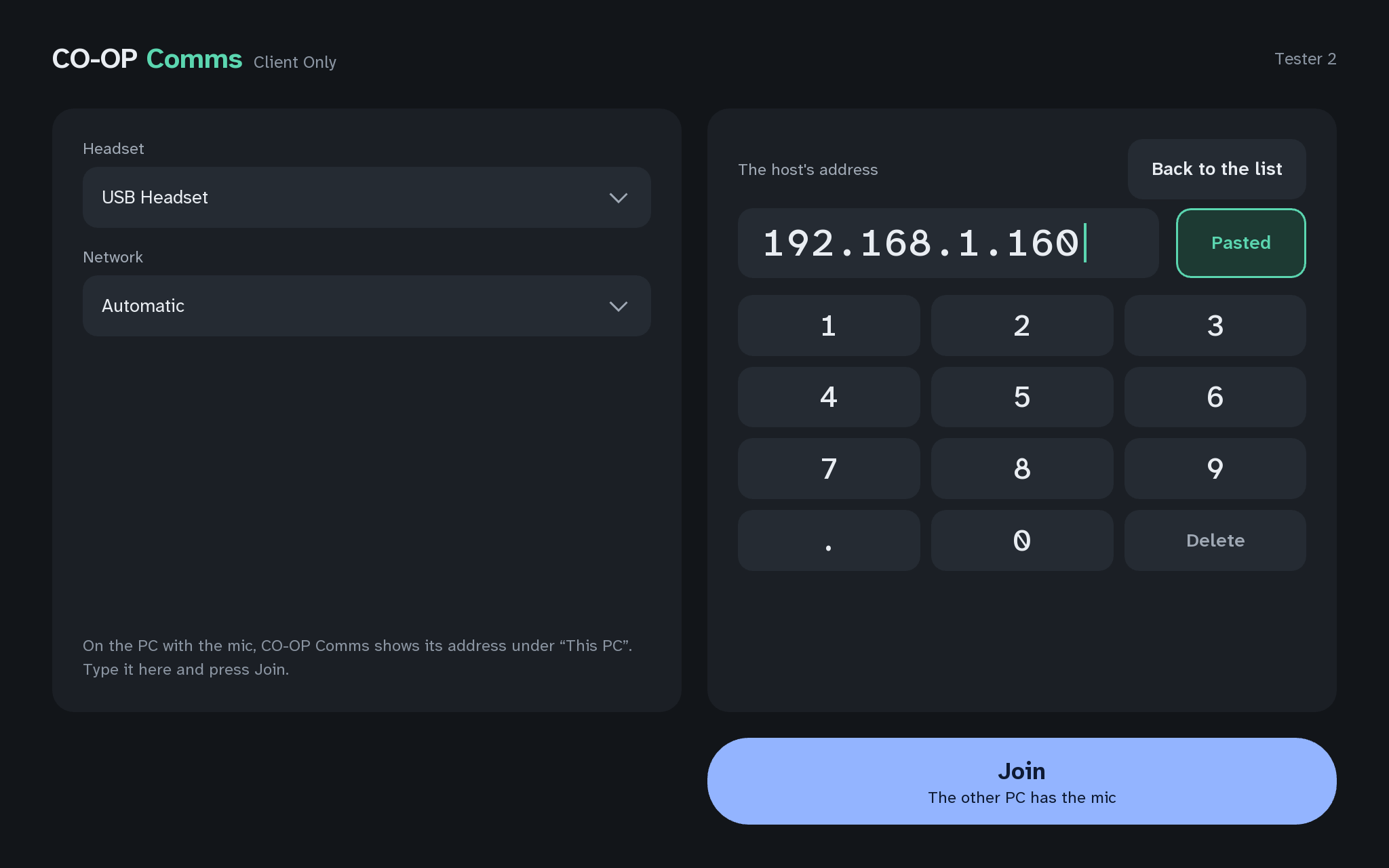
What you should see
- Pastedon the Paste button, for two seconds
- The address field holds the host PC's address, and Join is ready.
Ctrl+V and Shift+Insert paste too. Paste takes the first address in the copied text.
If anything here goes wrong, press Got stuck?, and when you write to us, please quote the label: Step 5B.