

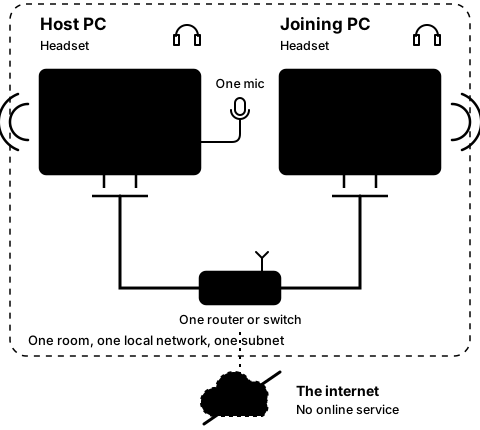
Step4E
On both PCs, while linked
Turn noise suppression off and on
Step 16 of 21. Each step is one action.
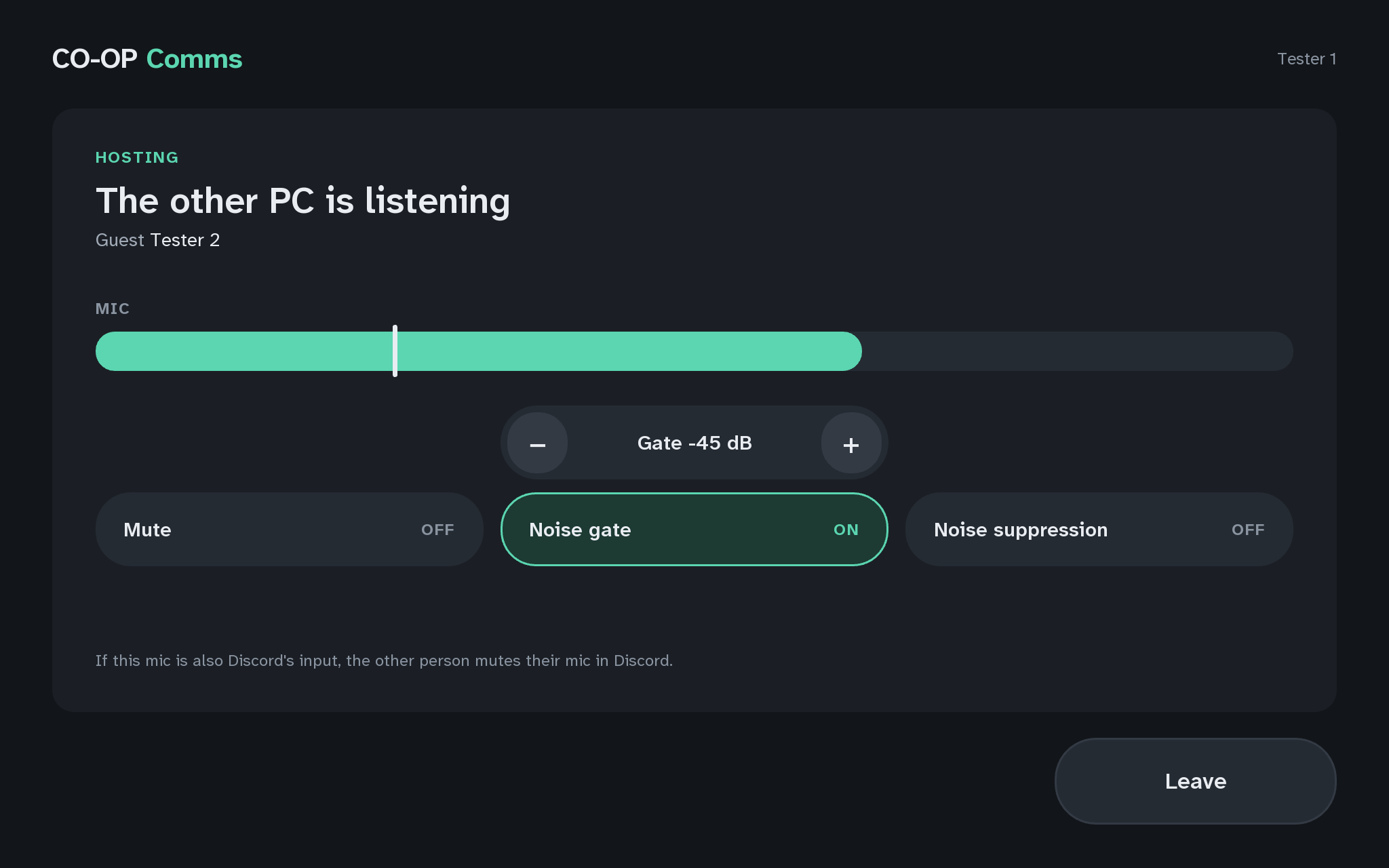
On the host PC, press Noise suppression so it reads OFF, and type on a keyboard near the microphone while talking. Then press it again so it reads ON, and do the same.
What you should see
- What noise suppression is for: it cleans noise out of the voice itself, such as typing or a fan, even while someone is talking. It is RNNoise, a small neural network that runs entirely on the host PC and creates no sound of its own. It costs about 25 ms of delay.
- Noise suppression reads ON when hosting starts.
- With it OFF, the joining PC hears the typing along with the voice, and its "ms mic to headset" reading drops by about 20 to 25 ms. With it ON again, the typing is mostly gone.
It stays as you leave it until CO-OP Comms quits.
If anything here goes wrong, press Got stuck?, and when you write to us, please quote the label: Step 4E.