

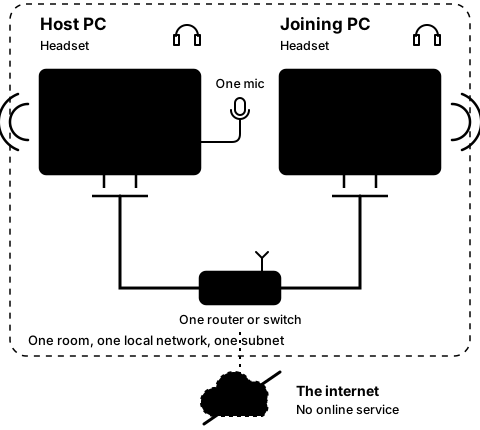
Step4A
On both PCs, while linked
Mute the host PC
Step 12 of 21. Each step is one action.
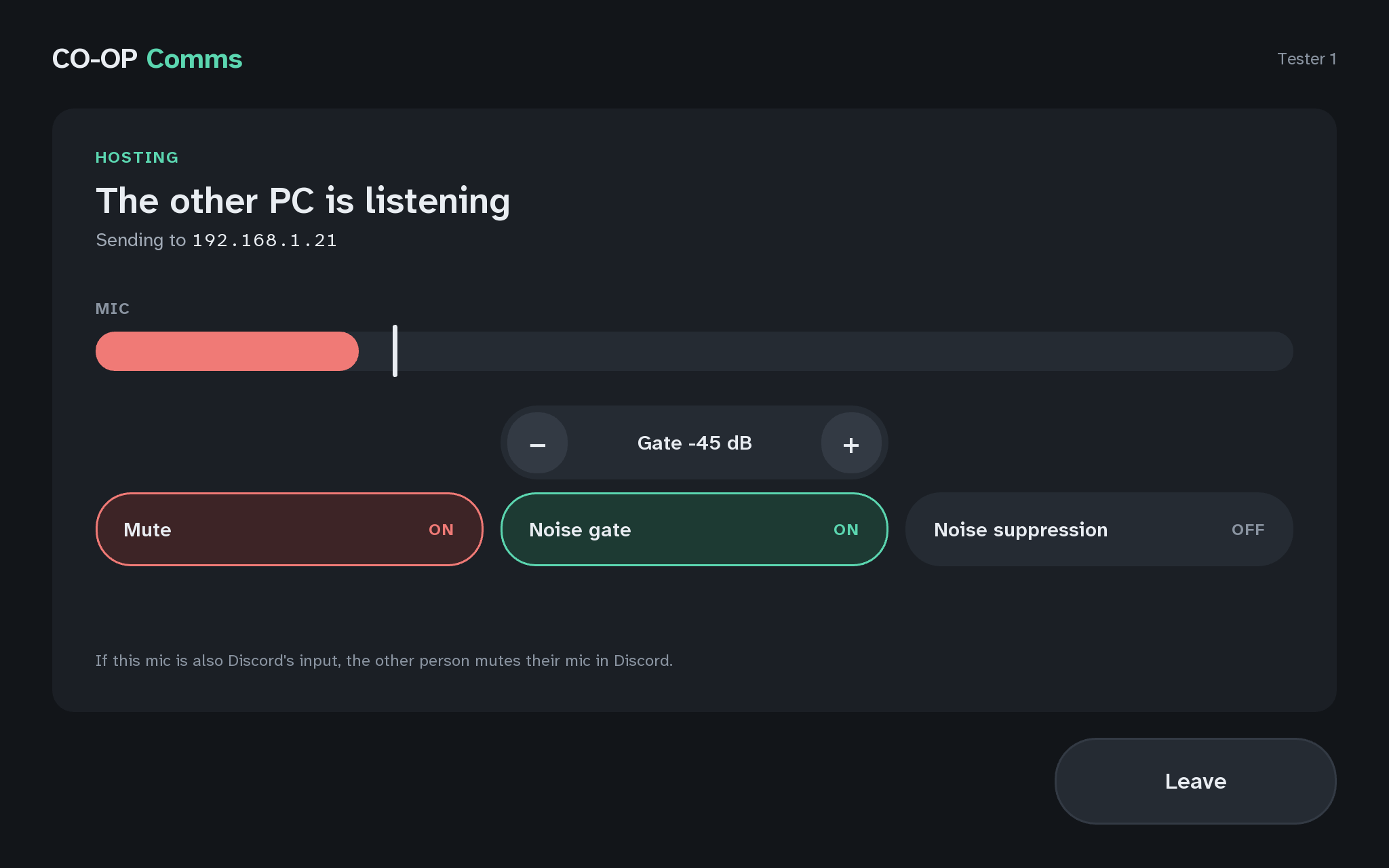
On the host PC, press Mute so it reads ON. Speak, then press Mute again so it reads OFF.
What you should see
- The host PC's Mute reads ON, and its MIC meter turns red.
- While it is ON, neither headset hears the host PC's microphone: not the joining PC's, and not the host PC's own.
- The joining PC stays JOINED, "Hearing the host", with its HEADSET meter empty: the host keeps sending, only silence.
- With Mute OFF again, the voice is back in both headsets.
Mute is OFF again every time Host is pressed. The host PC also plays its own microphone in its own headset, so the person at it hears what is sent.


If anything here goes wrong, press Got stuck?, and when you write to us, please quote the label: Step 4A.