

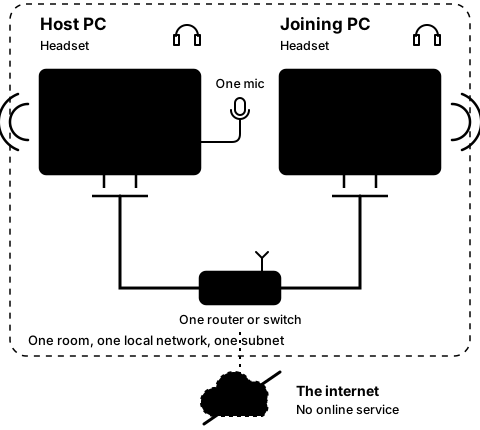
Step3A
On both PCs
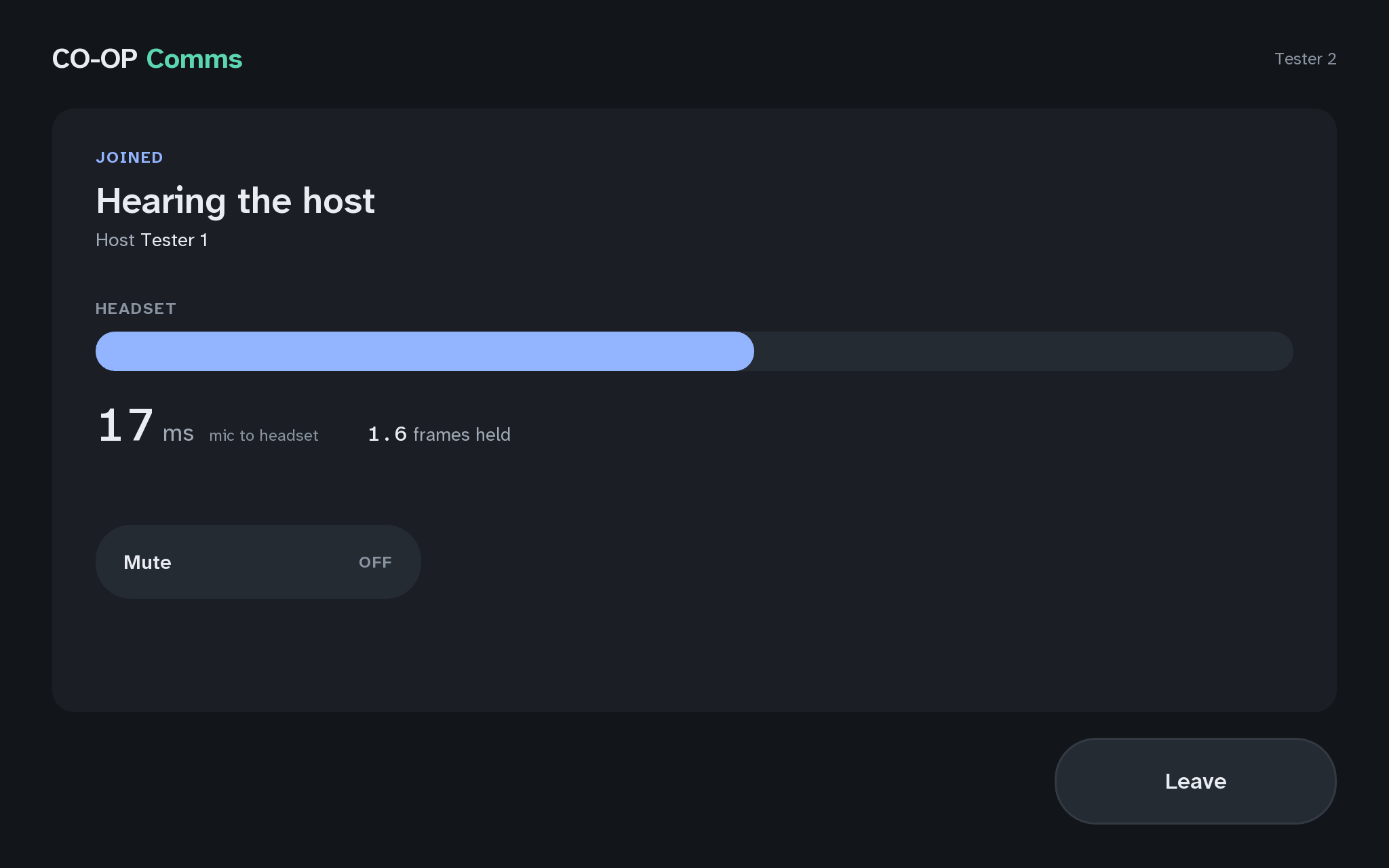
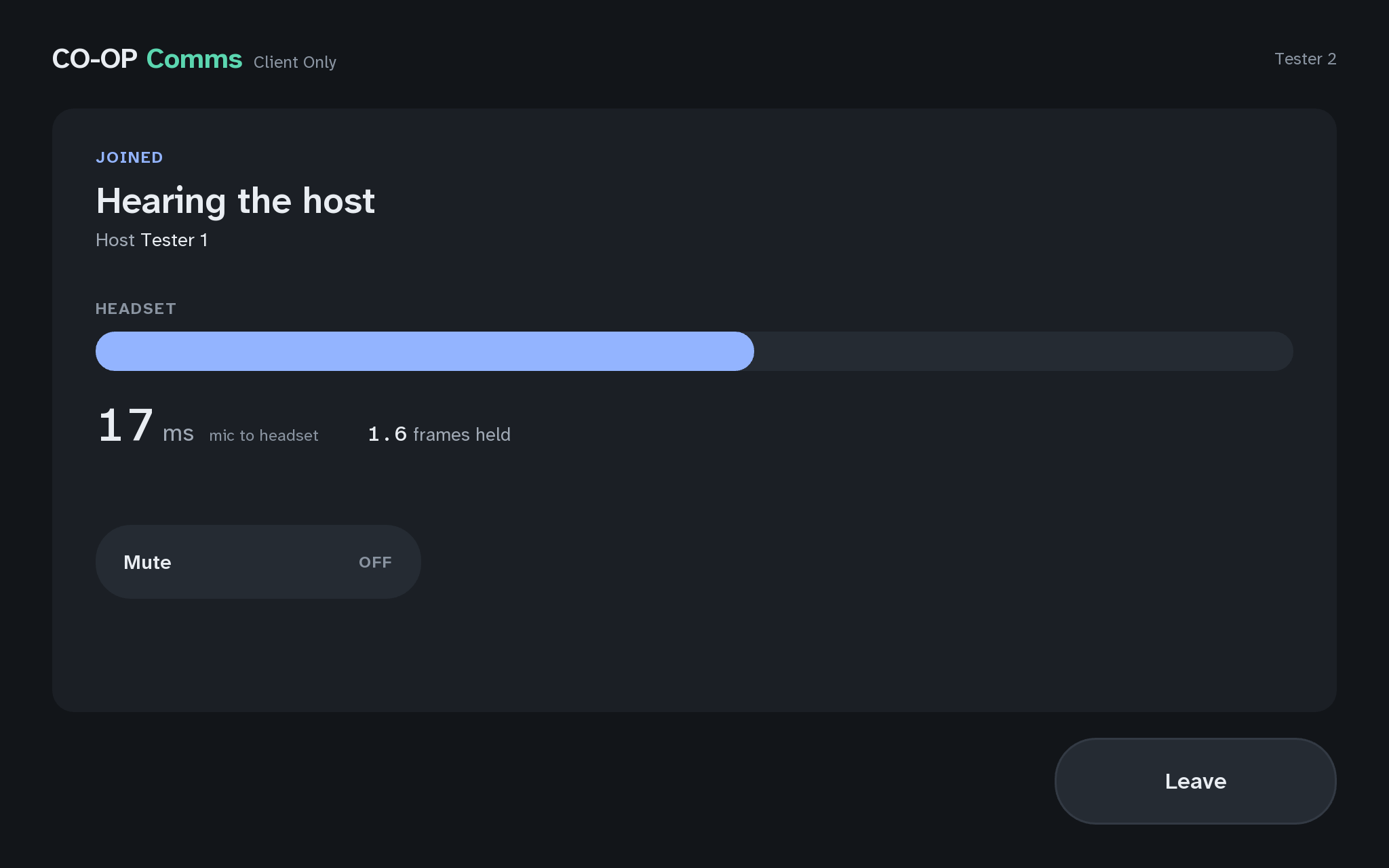
Speak, and hear it on the joining PC
Step 8 of 21. Each step is one action.
Speak into the host PC's microphone, and listen on the joining PC's headset.
What you should see
- The voice in the joining PC's headset, and its meter moving.
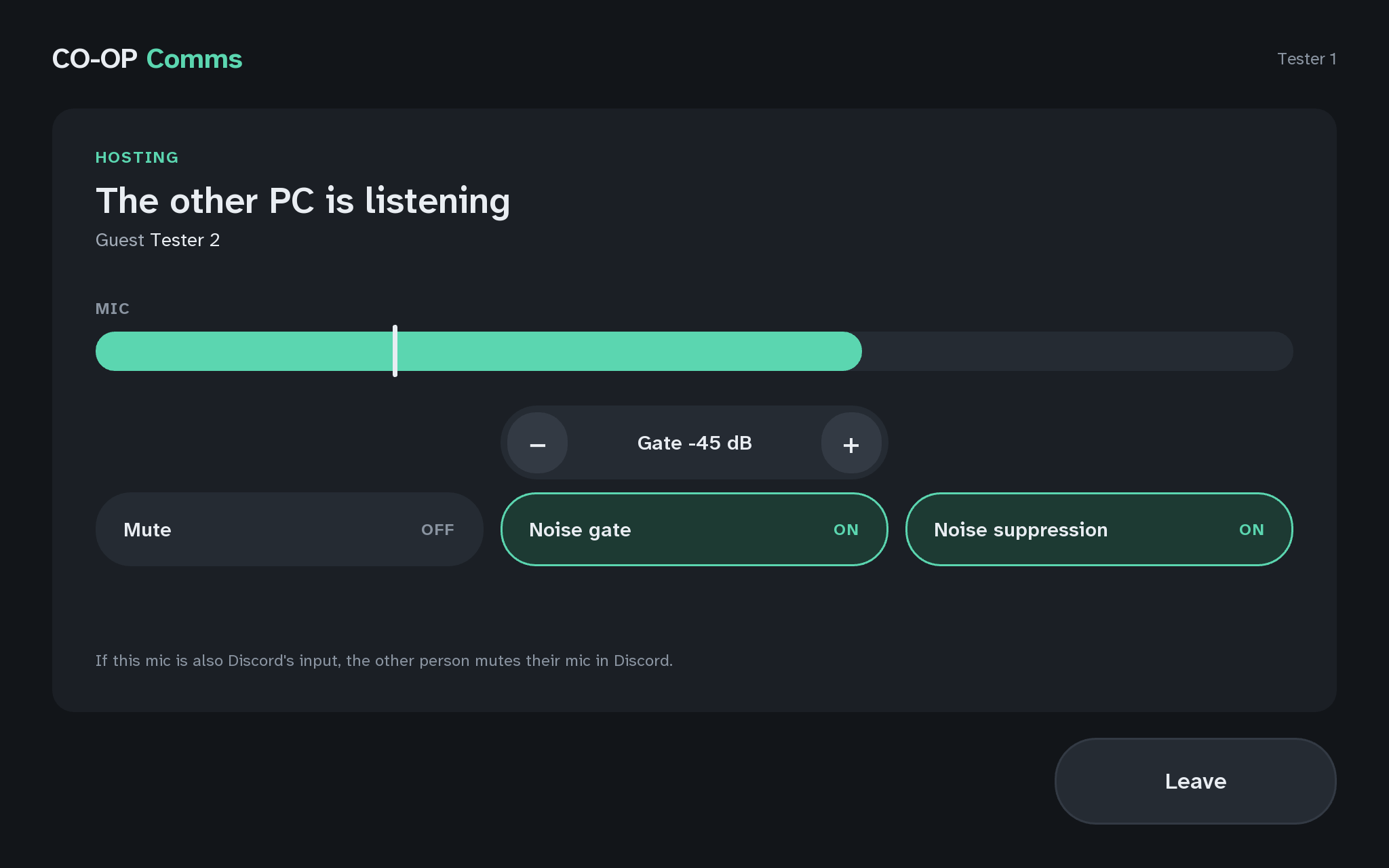
- The host PC's own headset plays the same microphone, so the person at it hears their own voice too, by design.
- A game or Discord running on either PC keeps using the same headset and microphone at the same time.
- The other PC is listeningon the host PC
- Guest joining PC's Steam user nameon the host PC; "Sending to joining PC's address" when Steam is not running on the joining PC
Words shaded like this stand for what your own screen shows there, such as your own user name or address.
If anything here goes wrong, press Got stuck?, and when you write to us, please quote the label: Step 3A.