

Step4D
On both PCs, while linked
Raise and lower the gate level
Step 15 of 21. Each step is one action.
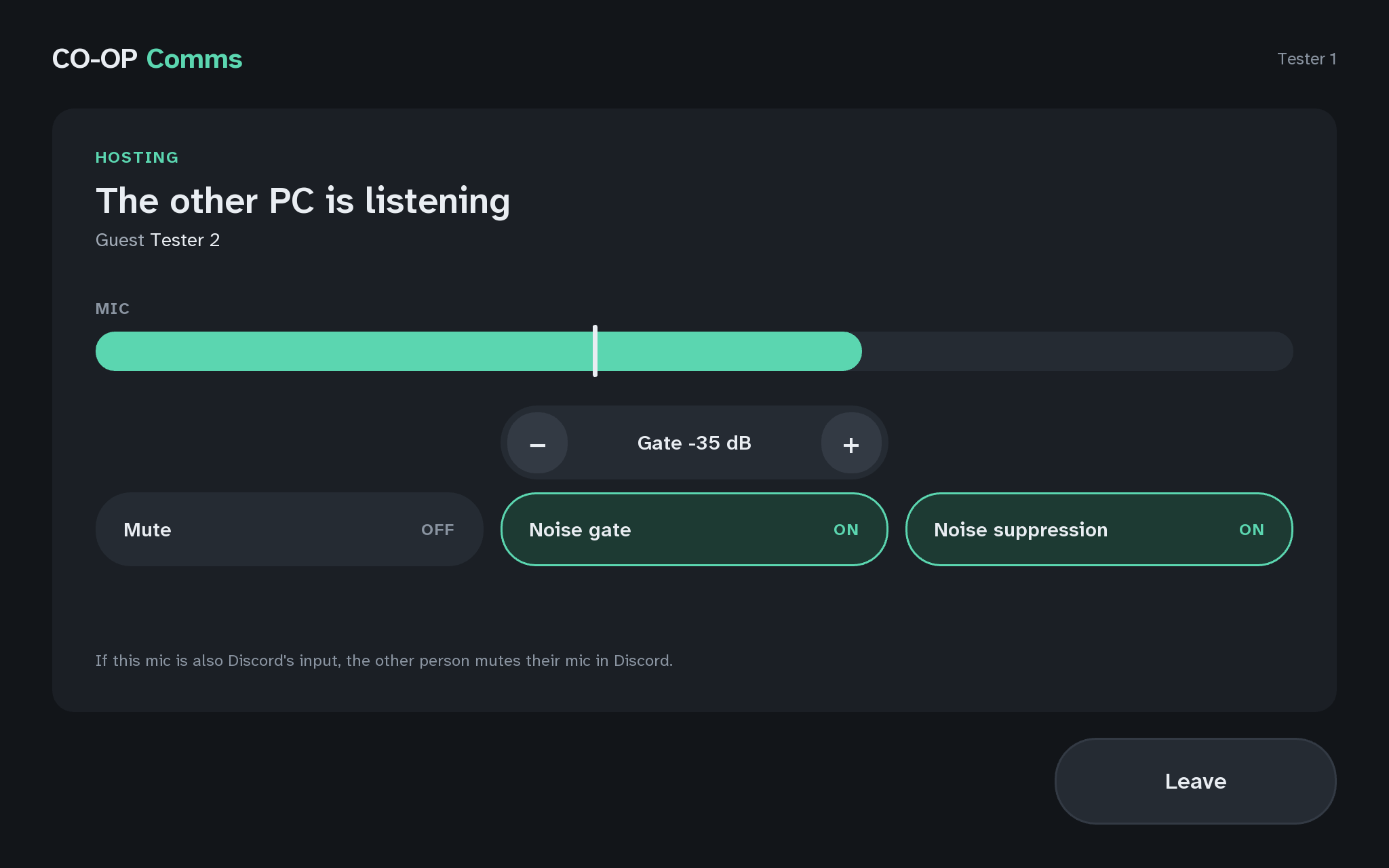
On the host PC, press + beside "Gate -45 dB" five times, then − five times.
What you should see
- Gate -35 dBafter five presses of +
- Each press moves the level 2 dB, and the white line on the MIC meter moves with it. A higher level needs louder speech to open the gate; a lower one opens it more easily.
- Gate -45 dBafter five presses of −
On a keyboard, the Up and Down arrow keys do the same while hosting. The level runs from -80 to -10 dB, works with the gate off too, and stays as you leave it until CO-OP Comms quits.
If anything here goes wrong, press Got stuck?, and when you write to us, please quote the label: Step 4D.