

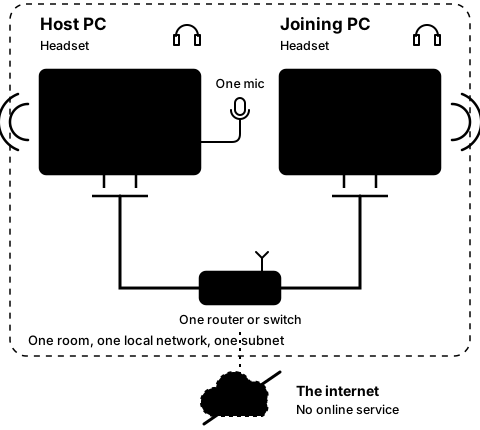
Step5A
On both PCs, after Leave
Copy the host PC's address
Step 18 of 21. Each step is one action.
This step needs CO-OP Comms. It cannot be done in CO-OP Comms Client Only.
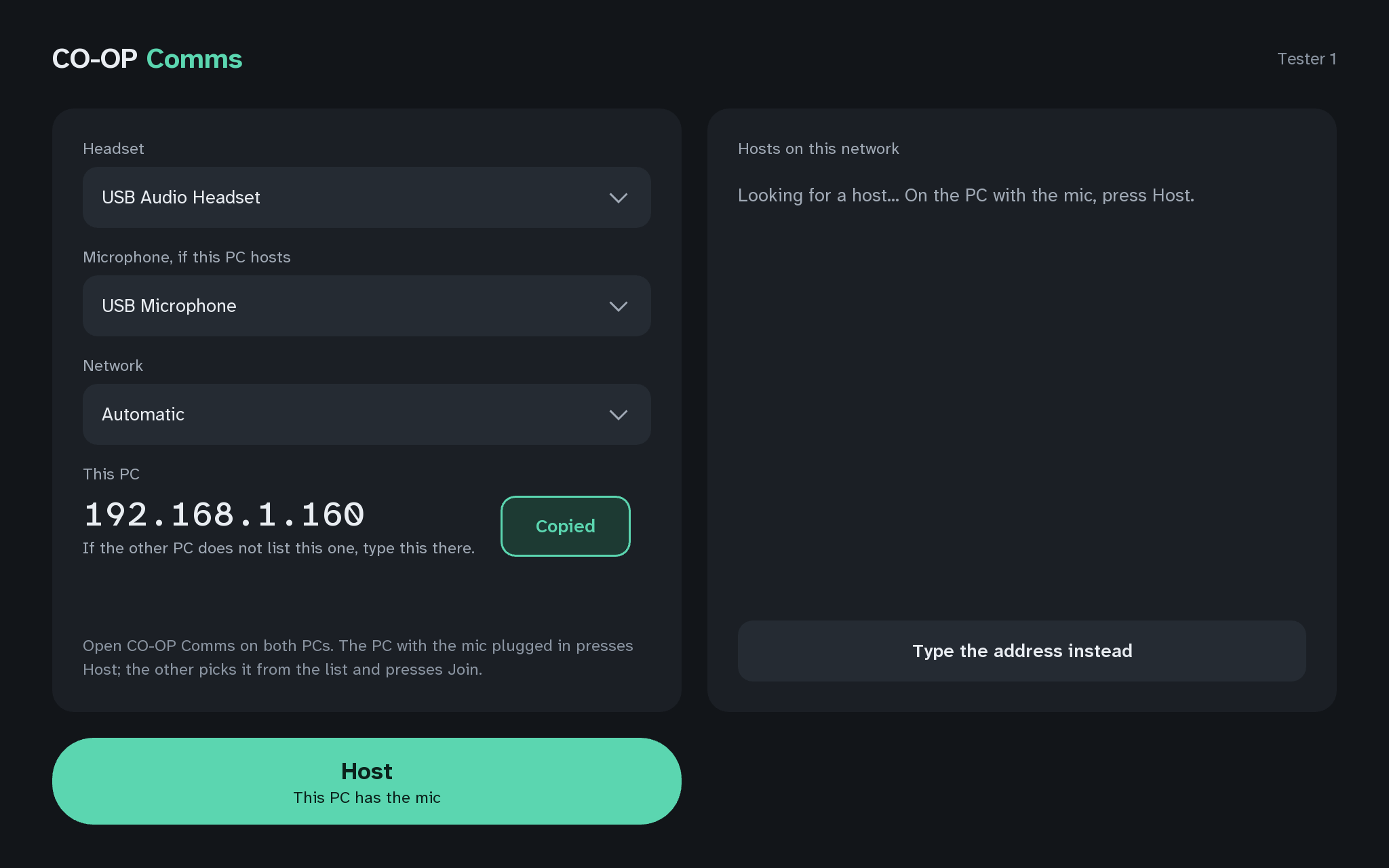
Press Leave on both PCs. On the host PC's start screen, press Copy beside This PC.
What you should see
- Copiedon the button, for two seconds
- The host PC's address is now on the host PC's own clipboard, ready to paste into a chat message to the other person.
Copy puts the address on this PC's clipboard only. It does not reach the other PC by itself.
If anything here goes wrong, press Got stuck?, and when you write to us, please quote the label: Step 5A.