

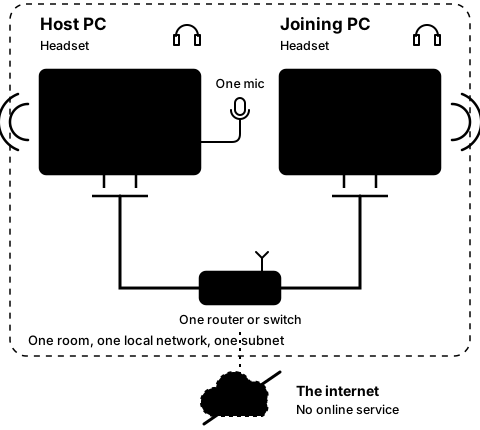
Step1A
On the host PC
Open CO-OP Comms on the host PC
Step 1 of 21. Each step is one action.
This step needs CO-OP Comms. It cannot be done in CO-OP Comms Client Only.
On the PC with the microphone, open CO-OP Comms from the Steam library.
What you should see
- Looking for audio devices…for a moment
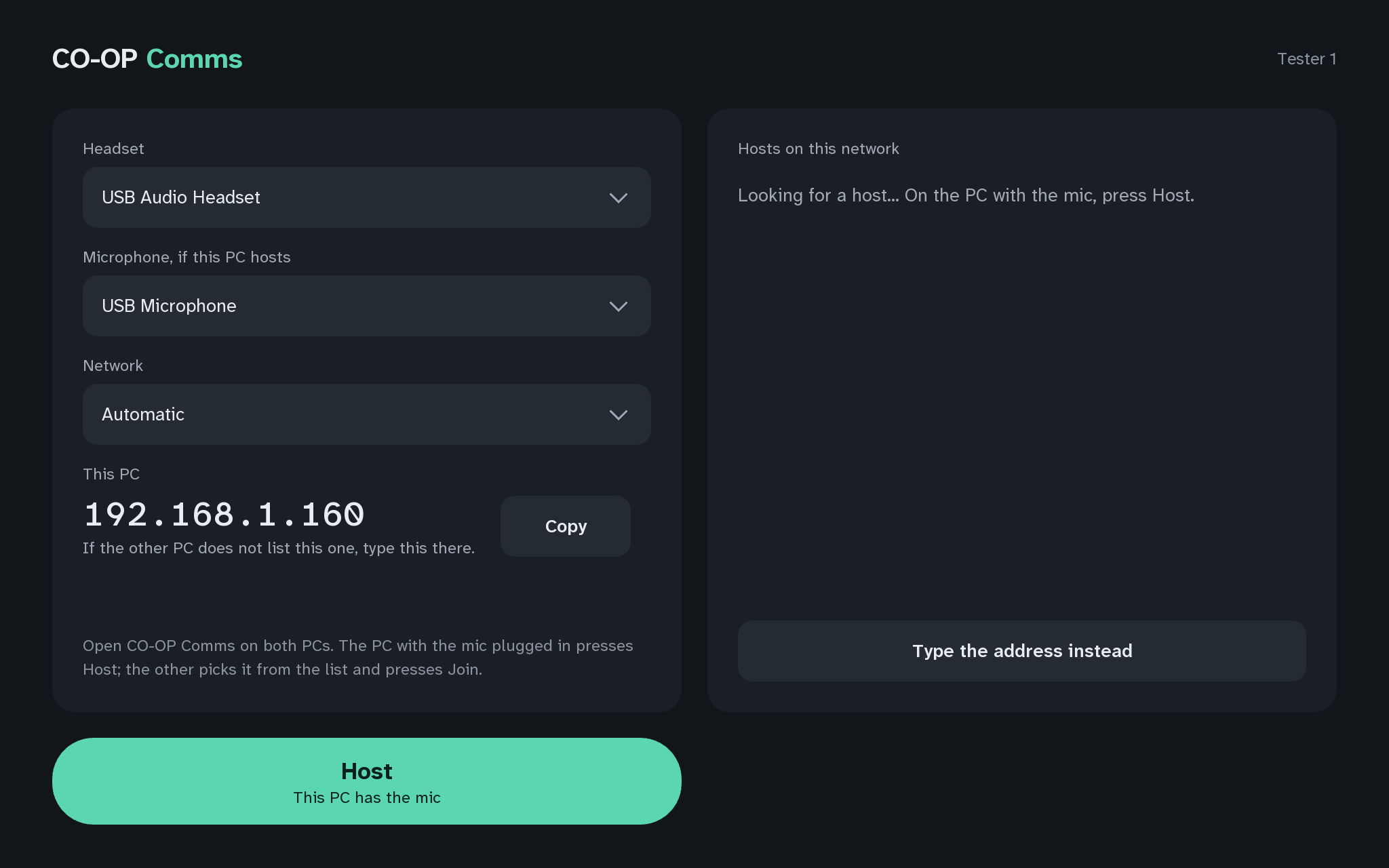
- Then the start screen: Headset, "Microphone, if this PC hosts", Network, This PC with this PC's address and Copy, and the list "Hosts on this network".
Note this PC's address under This PC: the joining PC's address should match it in the first three numbers on most networks (Q6).
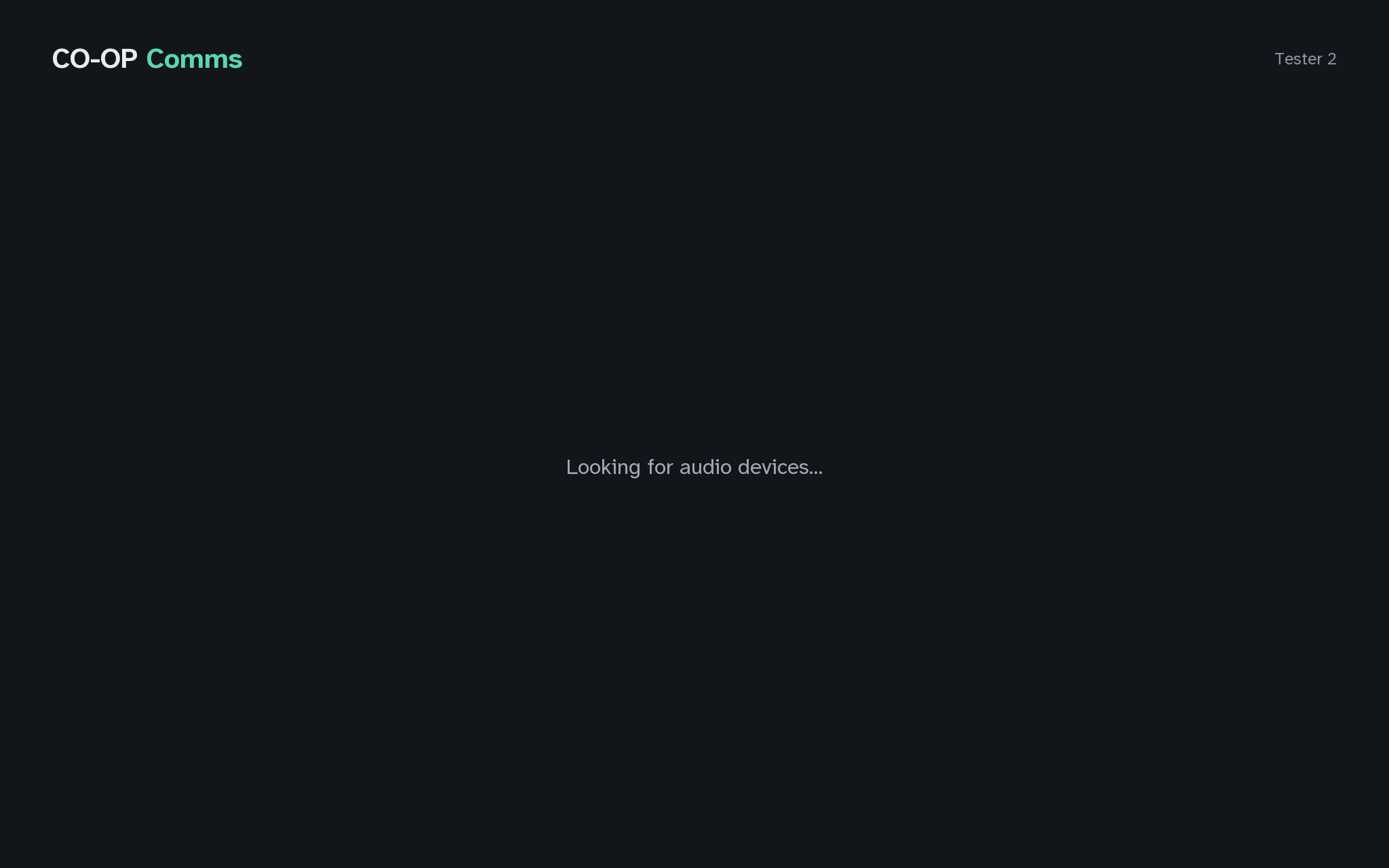
In the pictures, "Tester 1" stands in for the host's Steam user name, "Tester 2" for the joining PC's, and "Tester 3" for a second host that is already busy. The addresses in them, 192.168.1.160 for the host PC and 192.168.1.21 for the joining PC, are examples; your windows show your own.
If anything here goes wrong, press Got stuck?, and when you write to us, please quote the label: Step 1A.