

Step2C
On the joining PC
Press Join beside the host's name
Step 6 of 21. Each step is one action.
In "Hosts on this network", press Join beside the host's Steam user name.
What you should see
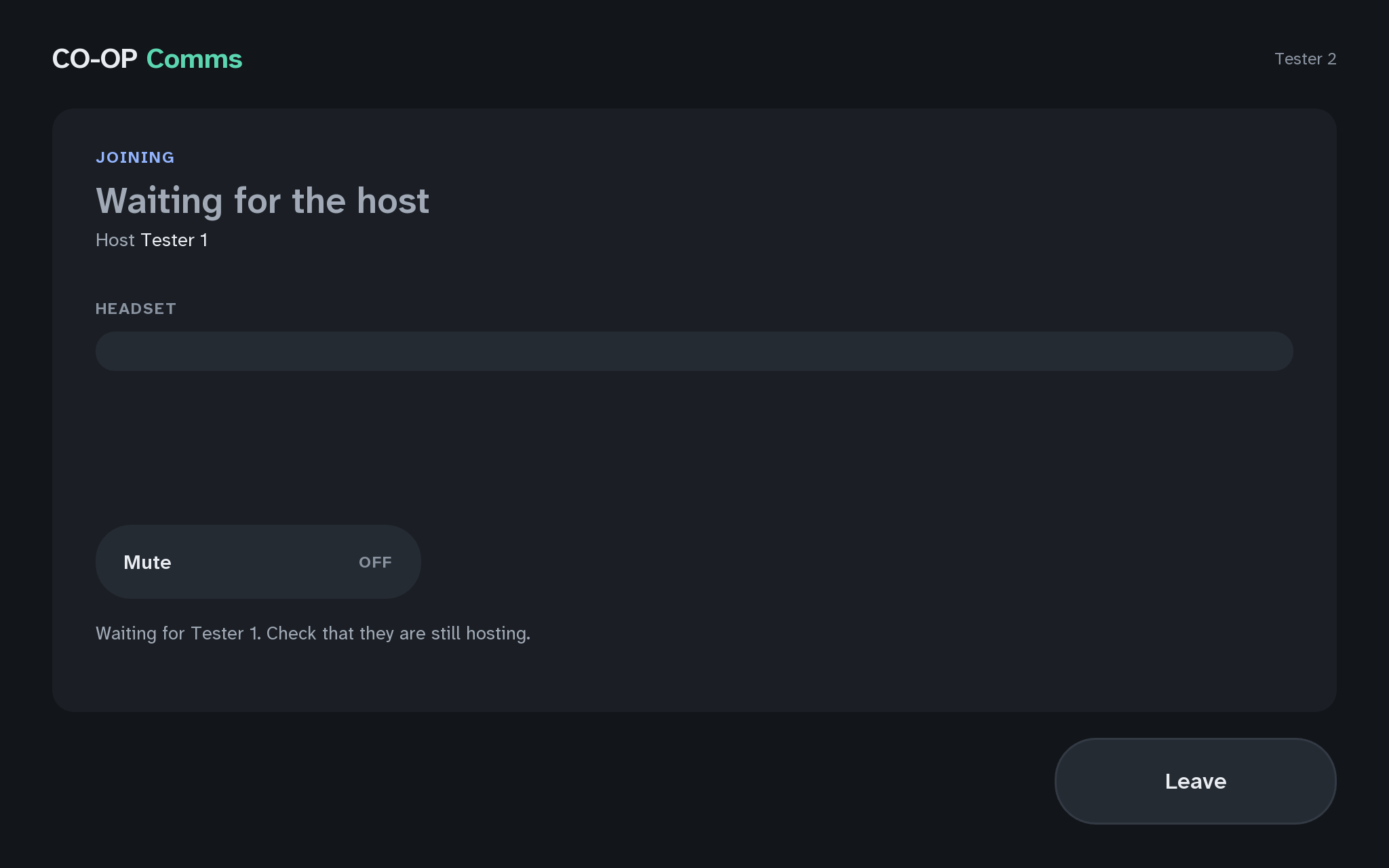
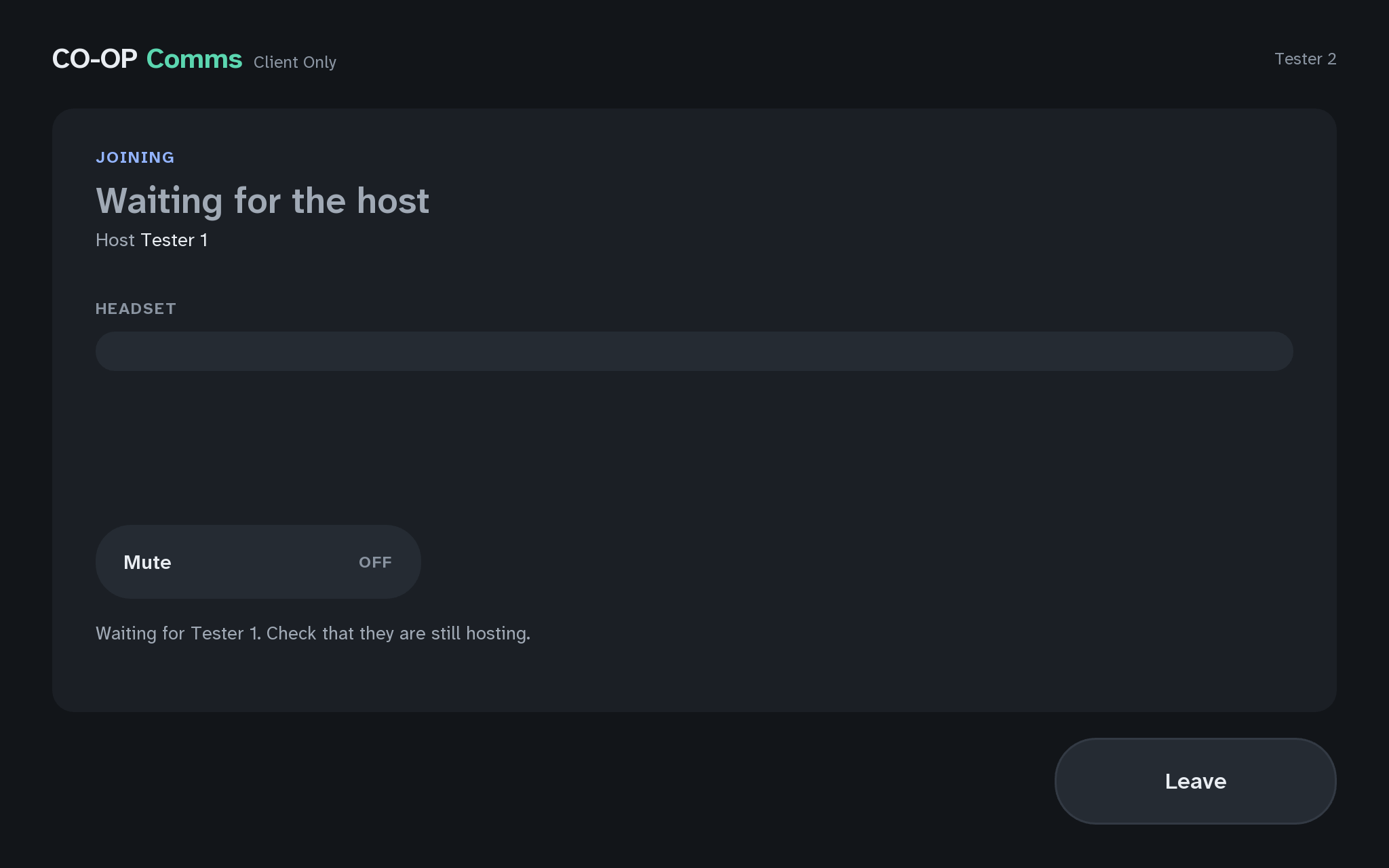
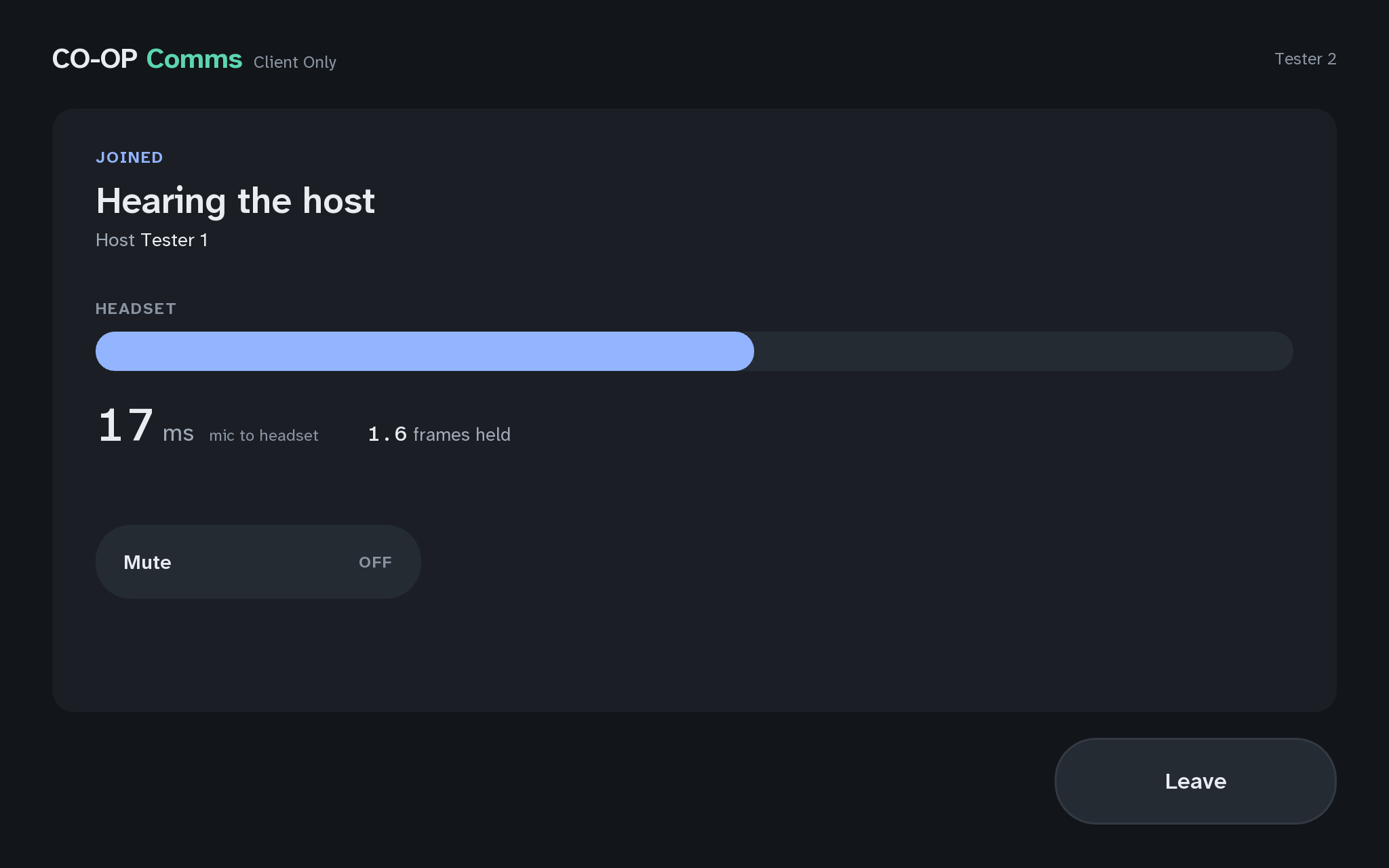
- JOINING
- Waiting for the host
- Host host's Steam user name
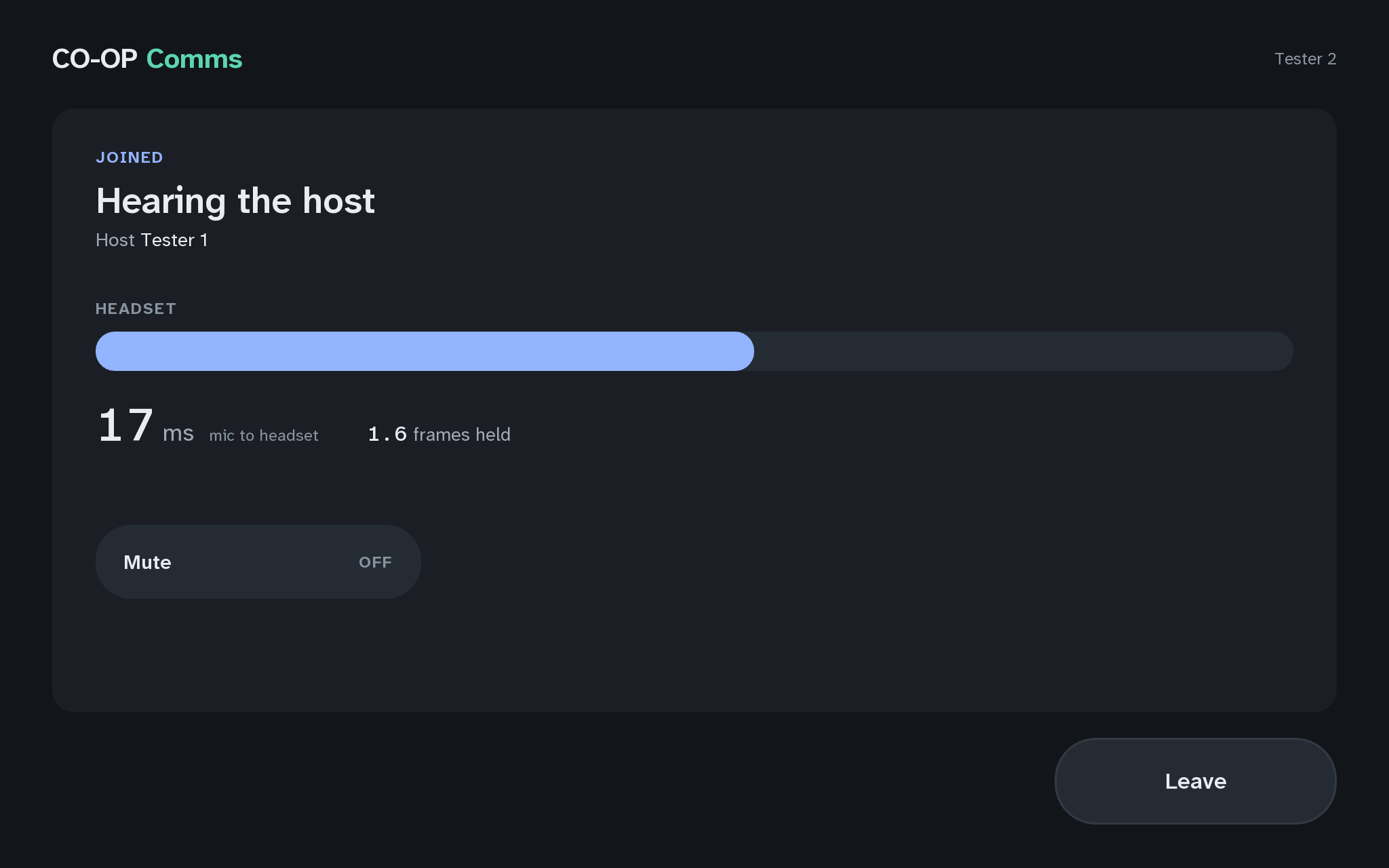
- JOINEDusually within a second
- Hearing the host
- A readout of the delay in milliseconds, "ms mic to headset".
Words shaded like this stand for what your own screen shows there, such as your own user name or address.
Joining from the list is the usual way.
If anything here goes wrong, press Got stuck?, and when you write to us, please quote the label: Step 2C.