Iron Tower Code Reviews
Iron Tower Press Local network only
Reviewer manual, version 0.2.2
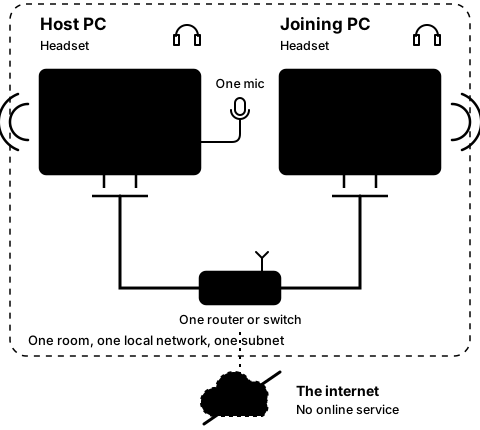
Two PCs in one room, each with a headset and a cable to the same router, on one subnet. One microphone sits between them, plugged into the host PC. The internet sits outside the room, struck through.
The one microphone plays in both headsets: the host PC's own and the joining PC's.
Step3D
On both PCs

Host again, and watch the joining PC link by itself

Step 11 of 21. Each step is one action.

Press Host on the host PC again. Do nothing on the joining PC.

What you should see

  • The joining PC links again by itself, with nothing to press: it keeps calling the host every half second.
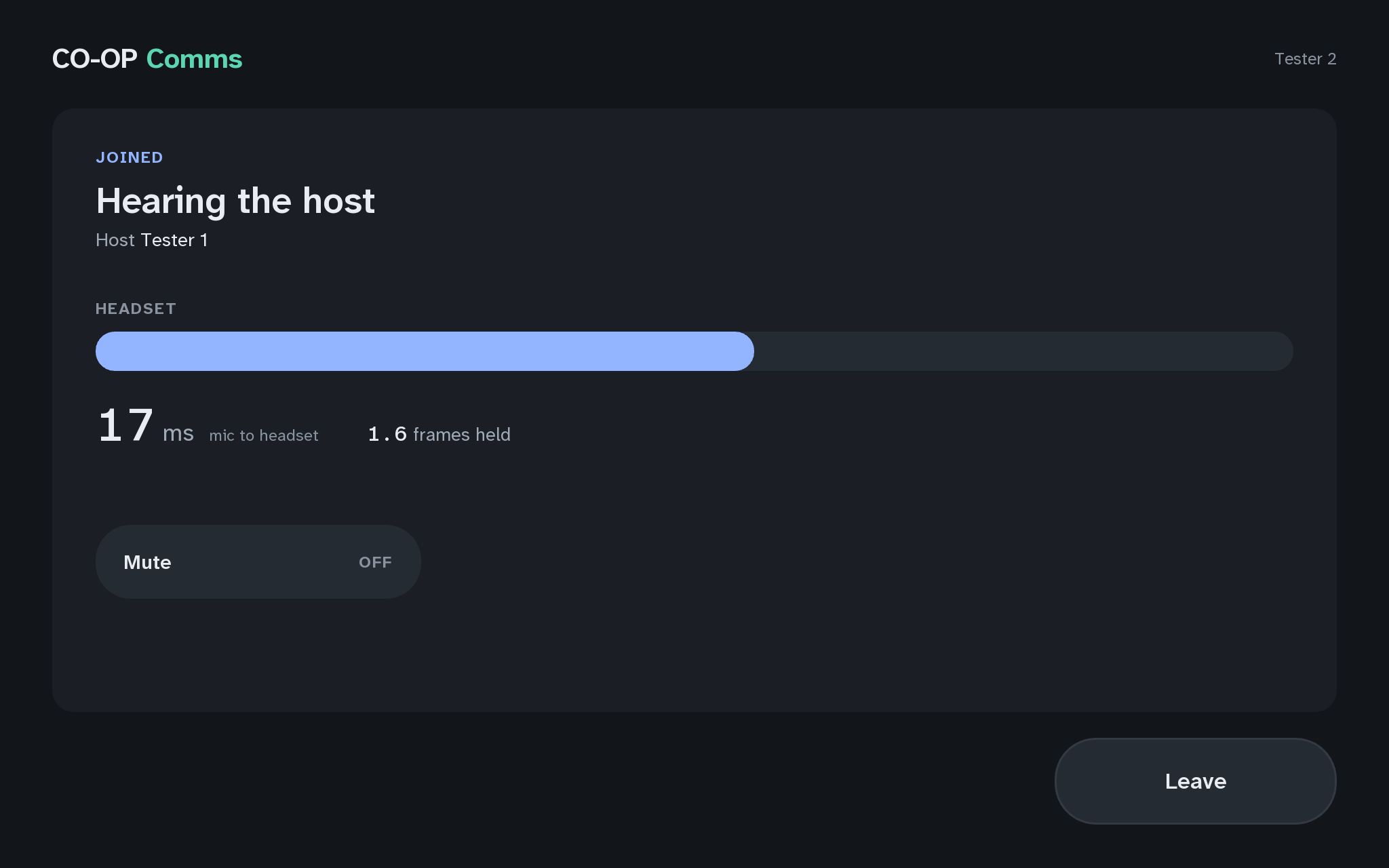
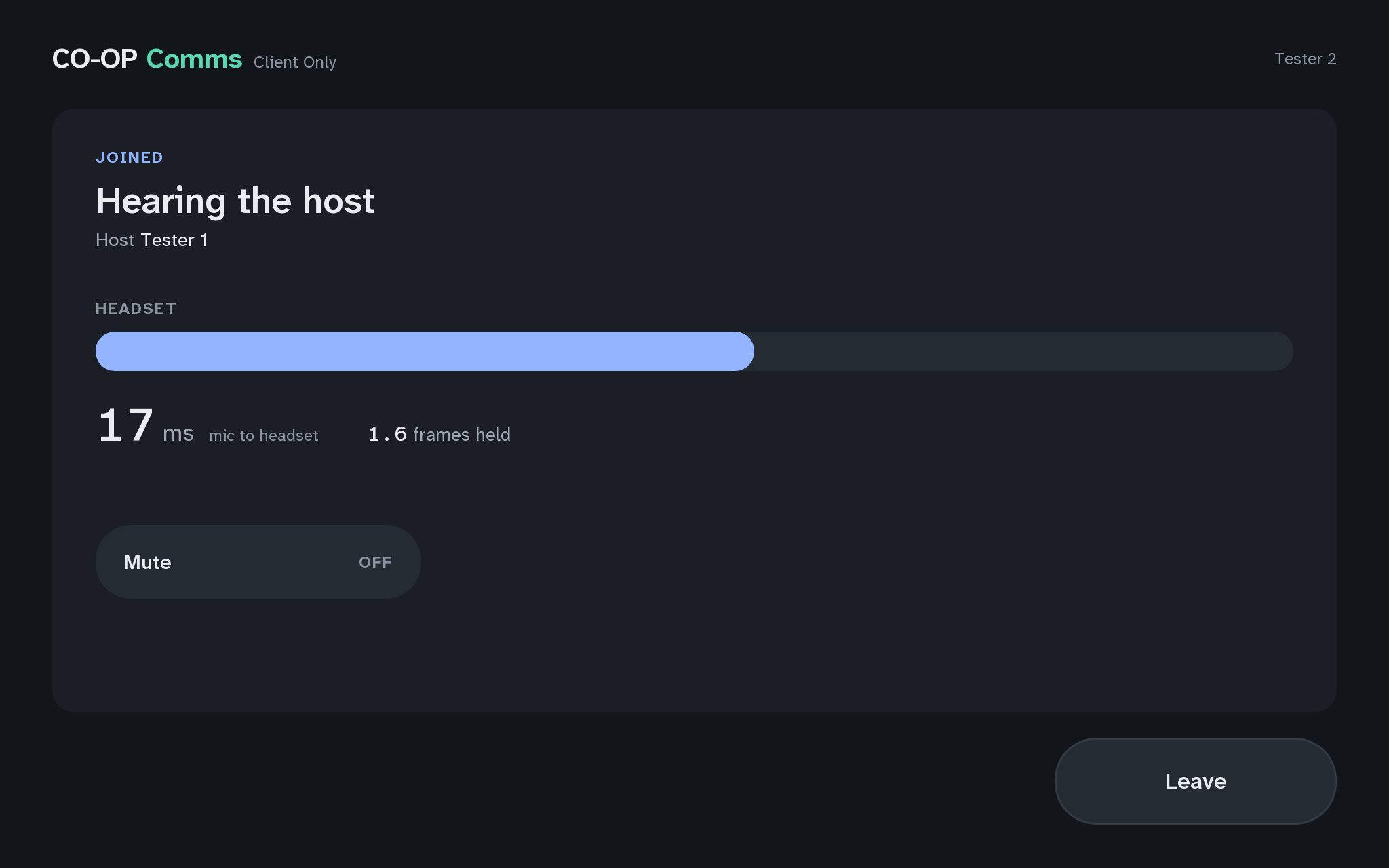
  • JOINED
  • Hearing the host
The joining PC, joined again
3DThe joining PC, joined againCO-OP Comms
Show it in CO-OP Comms Client Only

If anything here goes wrong, press Got stuck?, and when you write to us, please quote the label: Step 3D.

Click anywhere or press Escape to close